

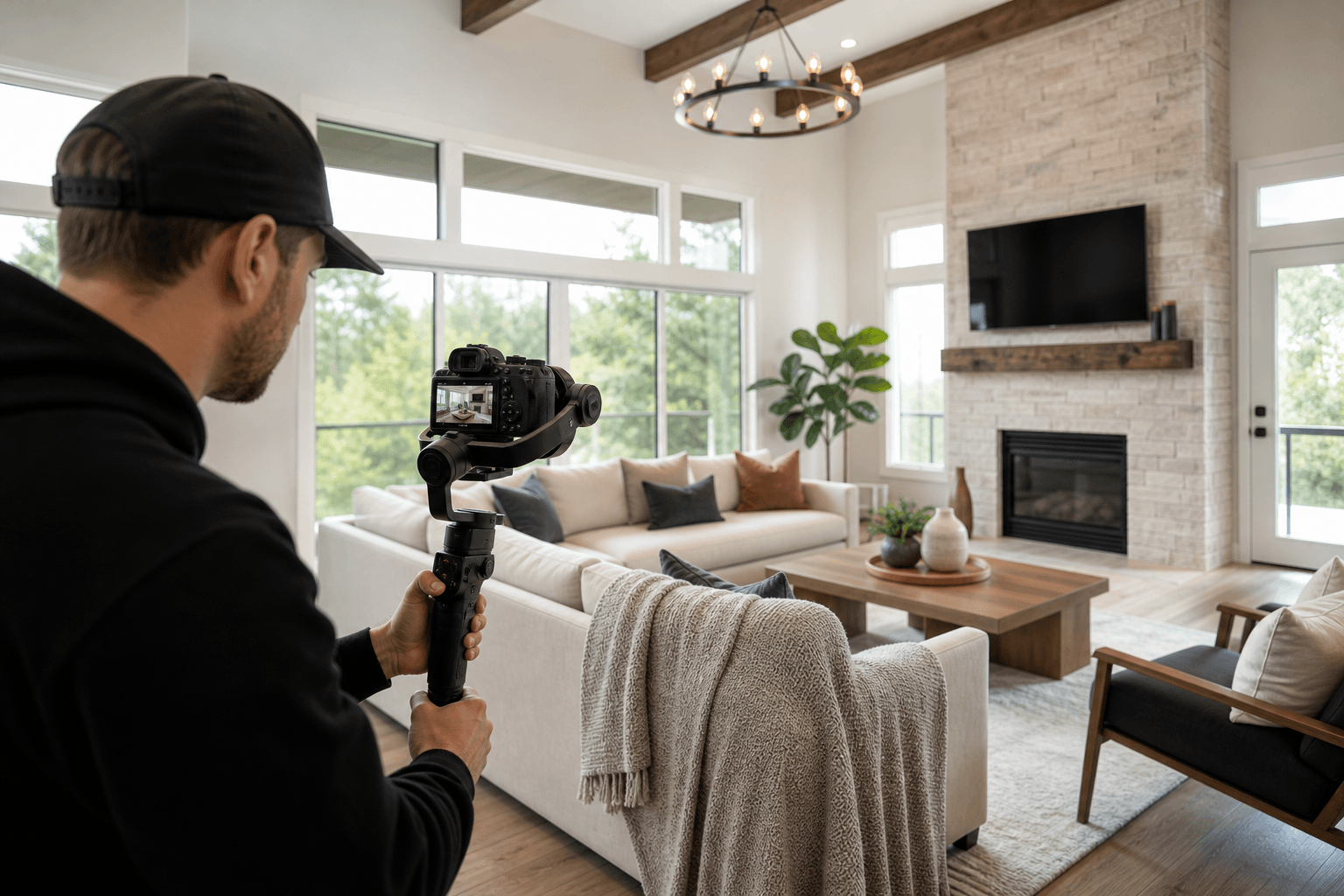
Real estate videography editing is more than trimming clips together. It turns property footage into a clear visual story through footage selection, purposeful cuts, colour grading, pacing, sound, and exports suited to each marketing channel.
The first decision is whether you need editing-only support for footage you already have, or an end-to-end service that plans, captures, edits, reviews, and delivers the finished property video. Once that is clear, choose formats based on where the video will appear and what you want viewers to understand.
Quick summary

- Choose a cinematic 4K tour for the main property story on a listing page or website.
- Choose vertical video for Instagram, TikTok, Stories, and other mobile-first channels.
- Use drone videography when the lot, views, setting, access, or neighbourhood context matters.
- Editing scope grows with the number of formats, footage types, captions, narrative requirements, and revisions.
- Confirm delivery timing and whether files are prepared for MLS, web, social media, or several channels.
What real estate videography editing includes
A professional edit begins with a marketing purpose. The editor reviews the available footage, identifies the strongest establishing shots and property features, and builds a sequence that helps viewers understand the home rather than simply showing clips in capture order.
Typical stages include selecting usable footage, arranging the story, making purposeful cuts, controlling rhythm, applying colour-consistent grading, adding restrained transitions, and shaping the audio. If required, captions, on-screen details, or a client introduction must support the property without obscuring it.
Editing supplied footage is different from coordinated filming and post-production. With editing-only work, the result depends on the quality, stability, coverage, and organisation of the files provided. With an end-to-end workflow, the team can plan the shot list and capture choices around the final edit from the beginning. Silver Valley Studios documents a workflow covering discovery, preproduction, shot-list planning, on-site capture, an editorial pass, review, refinements, and delivery. Its real estate videography services outline how those stages fit together.
Choose the video format before you edit

Do not start with “How much footage can we include?” Start with “What should the viewer understand after watching?” A listing page may need a complete sense of flow, while a social post may need one strong feature and an immediate visual opening.
A coordinated campaign can combine cinematic 4K video tours with vertical clips for social. This avoids forcing one edit into every channel and lets each version use an appropriate frame, pace, and duration. For a broader look at how video works alongside photos, floorplans, and aerial coverage, see this real estate videography guide.
Cinematic tours, vertical clips, drone sequences, and cutdowns compared
| Format | Primary purpose | Best use | Decision question |
|---|---|---|---|
| Cinematic 4K tour | Show flow, atmosphere, and key features. | Listing pages, websites, presentations, and longer-form marketing. | Does the viewer need a complete sense of moving through the property? |
| Vertical social video | Present a property story in a mobile-first frame. | Instagram, TikTok, Stories, and Reels. | Will the audience mainly watch on a phone while scrolling? |
| Drone sequence | Explain exterior context, setting, views, lot scale, or access. | Homes with notable surroundings, larger properties, or outdoor features. | Does the property become clearer from above or beyond the walls? |
| Short cutdown | Reuse the strongest moments in a concise edit. | Social promotion, teasers, follow-up posts, and campaign variations. | Which two or three features deserve a separate reminder? |
These formats can share footage, but they should not be treated as identical exports. A horizontal tour may rely on room-to-room continuity, while a vertical cut needs deliberate framing and a faster opening. Drone footage should answer a useful question rather than appear as decoration.
The real estate video editing workflow
1. Confirm the brief and audience
Establish the property type, target buyer, publication channels, must-show features, preferred tone, and deadline. Identify whether the video should explain layout, emphasise lifestyle, highlight renovations, introduce a development, or support a social campaign.
2. Plan the footage and sequence
Good editing cannot recover missing coverage. A shot list should identify the opening view, exterior approach, principal rooms, transitions, details, lifestyle elements, and closing frame. If drone footage is expected, decide how it will connect with ground footage.
3. Select and assemble the story
Remove duplicate or weak clips, establish a logical order, and keep each shot long enough to communicate its feature. Purposeful cuts help viewers follow the property without making the video feel slow or rushed.
4. Refine colour, rhythm, and sound
Colour-consistent grading helps footage from different rooms and capture types feel like one presentation. Rhythm editing controls the relationship between wide shots, details, movement, and pauses. Sound design and music can support the atmosphere without competing with important information or narration.
For post-production, an editorial pass should include purposeful cuts, colour-consistent grading, and exports such as vertical reels when those deliverables are part of the brief.
5. Review, revise, and export
Review the draft for factual accuracy, room order, visible distractions, text placement, pacing, and channel suitability. Give time-coded notes where possible, separating essential corrections from optional preferences. Confirm the final horizontal, vertical, short-form, web, or MLS-ready files.
What changes editing scope and pricing
Editing effort is influenced by more than the finished video's length. The number of deliverables, source footage, narrative complexity, drone material, captions, branding requirements, and requested revisions all affect the work involved.
One polished horizontal tour requires a different process from a tour plus vertical cutdowns, drone footage, on-screen text, and alternate openings. When comparing options, remember that post-production and video formats influence real estate videography pricing. Ask for deliverables and the review process to be stated clearly.
Pre-edit checklist for listing videos
- Target viewer: Identify likely buyers, investors, renters, agents, or development prospects.
- Must-show features: List important rooms, upgrades, views, amenities, outdoor areas, and access points.
- Publication channels: Specify MLS, a listing website, brokerage page, Instagram, TikTok, email, or presentations.
- Required formats: Confirm horizontal, vertical, short cutdowns, drone sections, or other versions.
- Brand details: Provide logos, colours, agent introductions, preferred wording, and required disclosures.
- Supplied footage: Label files by room or sequence and identify clips that must be used or excluded.
- Deadline: Include the listing launch date, social schedule, review availability, and campaign requirements.
How edited video fits with the rest of the listing media
Video is one part of a complete listing presentation. HDR photos provide quick room-by-room reference, a 2D floorplan clarifies layout, and aerial imagery shows setting and exterior context. Video adds movement, sequence, and atmosphere.
Consistency matters when these assets are produced together. Similar colour treatment, feature priorities, and naming conventions make the campaign feel deliberate. Silver Valley Studios states that photos, video, drone, floorplans, and measurements can be captured in one visit, with examples of HDR photos delivered the same day, floorplans the next day, and video within 48 hours. Confirm the exact deliverables and timing for your property.
Turnaround and delivery
Ask when the first draft will arrive, when final files will be delivered, how feedback is submitted, and which formats are included. Fast photo delivery does not automatically mean every video version is ready at the same time, particularly when multiple edits or a review stage are involved.
Also confirm whether files are prepared for the intended channel. A website video may need a separate vertical crop for social media. Clarify file naming, delivery folders, thumbnail requirements, and whether revisions are included.
How to review a property video edit
Watch the draft with sound, then without it. Check whether the opening earns attention, the room order makes sense, the pace gives important spaces enough time, and transitions feel purposeful. Look for text that is readable on a phone and crops that keep key features visible.
For a review framework covering opening frames, pacing, transitions, text placement, and channel-specific crops, read this property reel visual editing guide.
How to choose the right editing package
Use the simplest package that meets the campaign's real needs. Choose a cinematic tour when the listing needs a complete property story. Add vertical video when social promotion is a priority. Add drone when the setting, lot, views, or exterior relationship matters. Choose a combined package when one coordinated shoot must supply the listing page and social channels.
A concise booking brief could read: “Create one cinematic property tour for the listing page, two vertical social cutdowns, and one exterior aerial sequence. Prioritise the renovated kitchen, natural light, backyard, and view. Deliver the horizontal and vertical versions by the campaign launch date.”
Frequently asked questions
Can a real estate videographer edit supplied footage?
Some editors can work from supplied footage, but confirm this before booking. Provide organised, high-quality files and explain the desired format, audience, must-use clips, branding, and deadline. If coverage is incomplete, an end-to-end shoot may produce a more predictable result.
What is the difference between a cinematic tour and vertical video?
A cinematic tour communicates the broader flow and atmosphere of a property. Vertical video is framed for mobile viewing and usually presents a shorter, more immediate story for social platforms. Both should be edited for their respective screens and viewing behaviour.
Should a listing video include drone footage?
Include it when aerial context answers a genuine buyer question, such as the property's setting, views, lot relationship, or access. It may add less value when surrounding context is not meaningful to the listing story.
How many versions should a campaign include?
Choose one primary format for the main listing purpose, then add versions for channels you will actively use. A cinematic tour plus one or more vertical cutdowns can be practical, but ordering formats without a publishing plan adds scope without necessarily adding value.
How quickly can deliverables be ready?
Timing depends on footage, formats, editing scope, review process, and booking details. Silver Valley Studios publishes a 48-hour example for video alongside same-day HDR photos and next-day floorplans. Confirm the current timeline for your specific deliverables.
Conclusion: choose the format that serves the listing
Real estate videography editing works best when the format is chosen before the footage is assembled. Define the listing goal, identify the primary channel, select essential features, and decide whether you need a cinematic tour, vertical social content, drone context, short cutdowns, or a combination.
Before approving a package, confirm the source footage or shoot plan, editing stages, required versions, review process, turnaround, and delivery destinations. Silver Valley Studios Inc. provides real estate photography, videography, 2D floorplans, and drone coverage from Maple Ridge for Greater Vancouver and Vancouver Island markets. Visit Silver Valley Studios Inc. to review available real estate media options and request the right scope for your listing.