

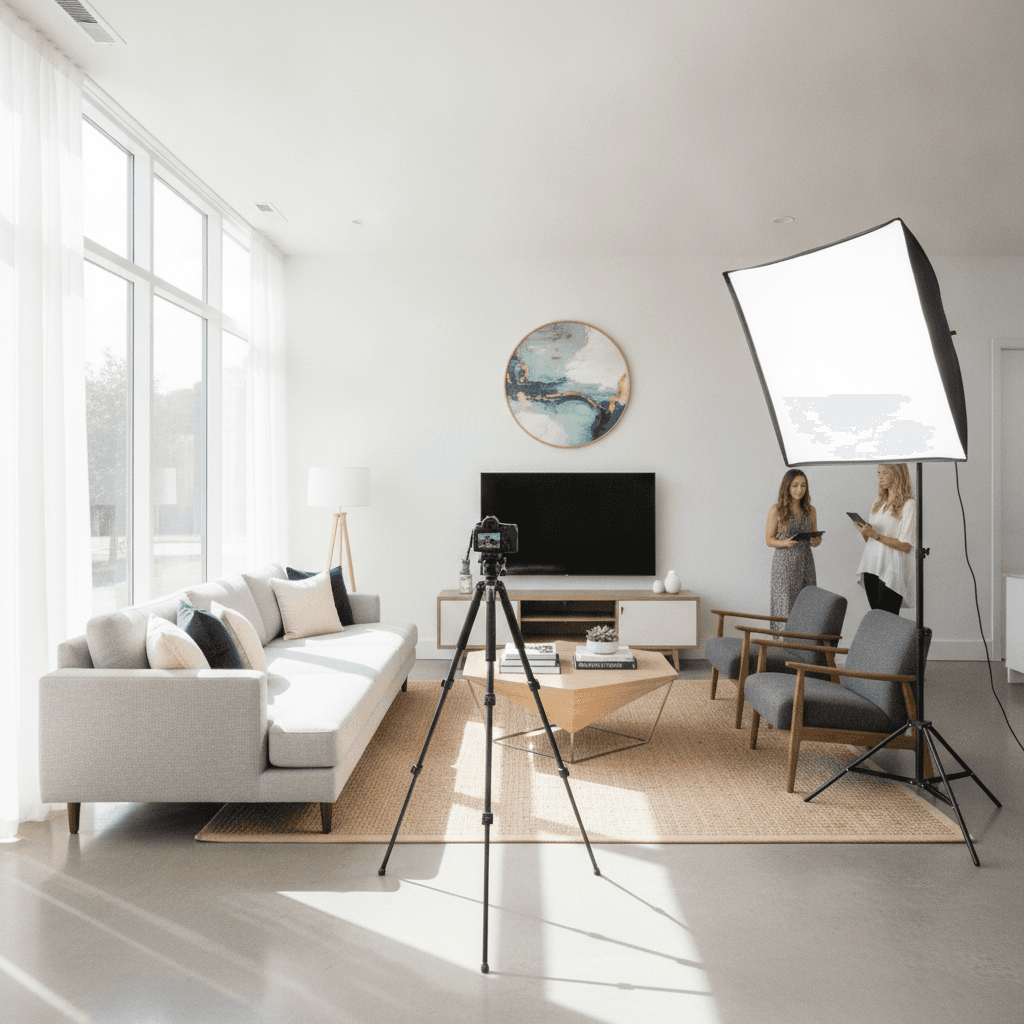
Last updated: October 2026
Key takeaway:Realty photography is the coordinated production of listing photos, video, floorplans, and aerial media that helps buyers understand a property before they visit. For Maple Ridge listings, the strongest workflow combines accurate HDR photography with the media formats that answer each property’s specific layout, lifestyle, and location questions.
By Sumeet S. - Founder & CEO, Silver Valley Studios Inc. | Last updated: 2026-06-19
What this realty photography guide covers
This guide explains how to plan, capture, edit, and deliver real estate media without creating avoidable delays. It uses “realty photography” because that is the phrase many clients use, while recognizing that local providers and agents commonly describe the service as real estate photography or real estate media.
- What realty photography includes
- How to choose the right media mix
- How the production workflow works
- Planning a Maple Ridge listing
- Best practices for agents and sellers
- Editing, file delivery, and publishing
- Frequently asked questions
What is realty photography?
Realty photography is the professional creation of visual media for marketing a property. The core deliverable is a carefully photographed set of interiors and exteriors, but a complete listing package may also include cinematic video, vertical social clips, 2D floorplans, and drone photography or video.
The purpose is not simply to make a home look attractive. Good media communicates scale, flow, finishes, natural light, outdoor space, and surrounding context accurately enough for a buyer to decide whether a showing is worthwhile. That makes real estate photography both a visual craft and a practical information system.
What a complete listing package can contain
- HDR listing photographs: balanced exposures for rooms, features, exterior elevations, and outdoor living areas.
- Video tours: moving coverage that helps viewers understand how rooms connect and how the property feels.
- Vertical video: short 9:16 clips prepared for social discovery and agent promotion.
- 2D floorplans: labelled spatial information that lets buyers assess room relationships and approximate fit.
- Drone media: aerial views that show rooflines, lot context, landscaping, views, and nearby surroundings when those details matter.
Not every listing needs every format. The right package depends on the home’s selling features, the audience, the launch plan, weather, access, and the questions buyers are likely to ask.
How should you choose real estate media for a listing?
Start with the buyer decision you need to support, then choose the format that communicates it most efficiently. Photos explain condition and finishes, floorplans explain layout, video explains movement and atmosphere, and aerial media explains land and location context.
| Listing question | Most useful format | Why it helps |
|---|---|---|
| What does the home look like? | HDR photography | Shows rooms, finishes, light, and exterior presentation clearly. |
| How do the rooms connect? | 2D floorplan | Provides spatial context that individual photographs cannot show. |
| How does the property feel to move through? | Video tour | Communicates sequence, transitions, scale, and atmosphere. |
| What surrounds the home? | Drone photography or video | Shows lot depth, rooflines, views, landscaping, and broader context. |
| How can the agent promote it quickly? | Vertical video | Creates short, mobile-first material for social channels. |
A detached home with a private yard, view, or unusual lot may benefit from aerial coverage. A townhome with a complex interior layout may gain more from a floorplan and a concise walkthrough. A dark or tightly arranged home may need careful lighting and detail coverage before adding more formats.
How does the realty photography process work?
A reliable production process has four stages: prepare the property, capture the agreed media, complete accurate post-production, and deliver files in a structure that makes publishing easy. Standardization reduces missed rooms, reshoots, inconsistent framing, and unnecessary handoffs.
1. Prepare the property and schedule
Confirm access, parking, alarm instructions, occupied rooms, pets, and the desired launch date before the shoot. Send a preparation list that covers counters, bins, cords, personal photographs, bedding, blinds, burnt-out bulbs, and small maintenance issues.
Build the schedule around the property rather than treating every listing identically. A home with strong outdoor features may need a suitable exterior window; a home with limited daylight may require a different order and supplemental lighting. If aerial work is planned, allow for weather and airspace checks.
2. Capture a consistent set
A practical room order is front exterior, entry, primary living spaces, kitchen, dining, primary bedroom, remaining bedrooms and bathrooms, utility areas, backyard, and any scheduled context views. A short walkthrough before photographing helps identify the property’s strongest story and prevents avoidable omissions.
- Use a level tripod and controlled camera height to keep vertical lines natural.
- Capture a wide composition for context and a second angle or detail when a feature deserves emphasis.
- Use exposure bracketing where the contrast between windows and interiors requires it.
- Photograph details such as millwork, hardware, tile, storage, or outdoor finishes when they support the listing narrative.
3. Edit for accuracy and consistency
Post-production should balance exposures, correct colour and lens distortion, and remove minor distractions without misrepresenting the property. Window views, room dimensions, finishes, and permanent features should remain believable. The goal is polished presentation, not a visual surprise at the showing.
4. Deliver files for each channel
Organize the final gallery in a logical room-by-room sequence, then separate the main listing set from web and social crops. Clear filenames and a simple download structure let an agent publish the MLS set, website material, and social content without sorting an unlabelled folder.
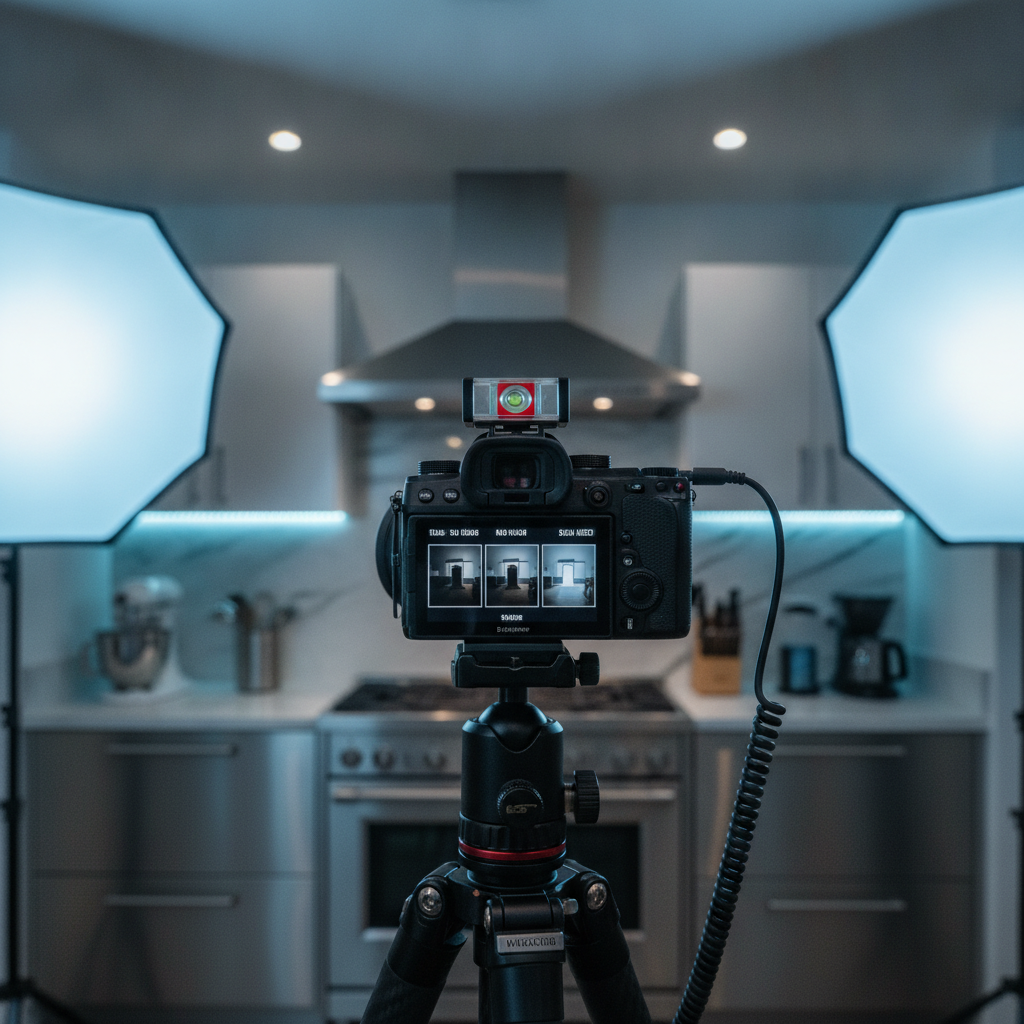
For listings that need moving coverage, the real estate videography guide explains how a video plan fits alongside still photography rather than duplicating it.
What should Maple Ridge agents consider?
Maple Ridge properties can combine suburban interiors, larger yards, wooded surroundings, views, and changing weather conditions. The media plan should reflect the feature that makes the property distinctive instead of applying the same shot list to every address.
Daylight, rain, and exterior timing
Winter afternoons can lose usable light quickly, while rain can change the appearance of driveways, gardens, and exterior finishes. Schedule important exterior frames around the best available conditions and keep a fallback plan when drone or outdoor coverage is central to the launch.
Layout and family use
Many buyers need to understand bedrooms, work-from-home areas, storage, and the relationship between indoor and outdoor spaces. A floorplan can answer questions that a sequence of attractive photographs leaves unresolved, while a room-by-room capture plan minimizes disruption for an occupied household.
Service-area coordination
A consistent system is especially useful for agents working across Maple Ridge, Langley, Surrey, Coquitlam, or nearby Fraser Valley communities. When the same naming, capture, editing, and delivery conventions are used across several listings, teams can publish with fewer internal questions.
For a broader overview of still-image planning by property type and market context, see the Vancouver real estate photography overview.
What are the best realty photography practices?
The most useful improvements usually happen before the camera is unpacked. A clear brief, prepared rooms, and a defined delivery plan improve quality and speed at the same time.
Before the shoot
- Identify the home’s three strongest selling features and make sure the shot list includes them.
- Clear counters, hide bins and cords, straighten furniture, and remove distracting personal items.
- Replace burnt bulbs, clean reflective surfaces, and resolve small maintenance issues where possible.
- Confirm whether video, floorplans, vertical clips, twilight coverage, or drone are included.
During the shoot
- Walk through the property first and agree on staging priorities.
- Keep camera height, perspective, and editing choices consistent from room to room.
- Capture enough context to show scale without making rooms appear inaccurately large.
- Protect privacy and avoid including documents, screens, or personal information in frames.
After the shoot
- Publish the principal listing set first, then schedule supporting video and social clips.
- Use descriptive filenames such as Front-Exterior-01 or Kitchen-02.
- Keep a record of buyer questions and agent feedback to improve the next brief.
Agents looking for a coordinated provider can review the real estate photography services page for the available combination of photos, video, floorplans, vertical content, and drone coverage.
How should listing media be edited and delivered?
Delivery should match the way the content will be used. The main image set needs consistent orientation, colour, and sequencing; social content needs platform-appropriate crops; video needs versions that can be posted without additional technical work.
Photography and floorplans
Use natural HDR blending, accurate white balance, perspective correction, and restrained retouching. Floorplans should use clear room labels and useful dimensions where available, then be placed near the related photo set so viewers can connect the drawing to the rooms.
Video and social crops
A longer walkthrough can communicate flow and atmosphere, while short vertical edits can highlight one feature or create a quick launch announcement. Both should support the same property story rather than presenting rooms, finishes, or surroundings in contradictory ways.
File organization
Separate the MLS-ready set, web-sized files, vertical clips, square crops, video masters, and floorplans. A branded online gallery with clear folders reduces download errors and gives the agent a reusable source for the listing page, social channels, and campaign material.
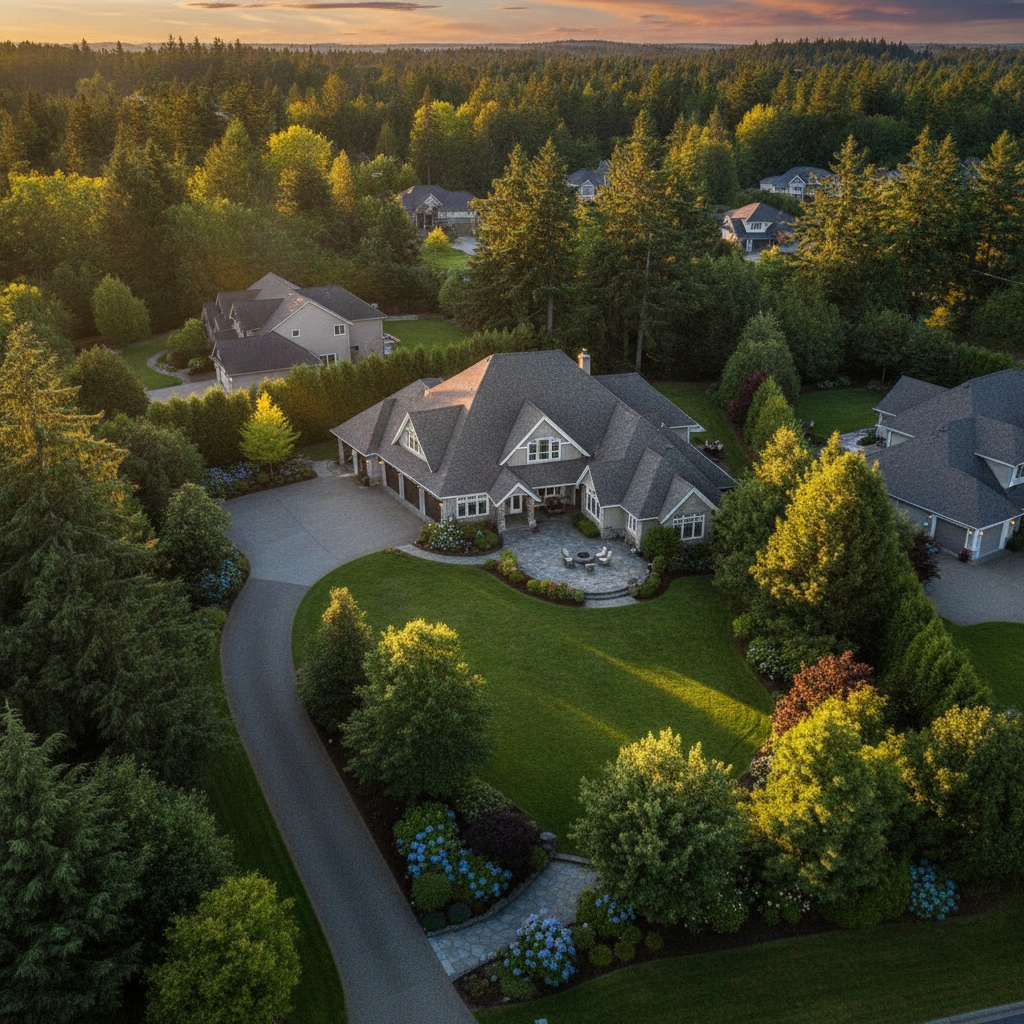
For a deliverable comparison and planning checklist, the realtor photography guide can help an agent decide which formats belong in a particular launch.
How can the media mix change by property?
Maple Ridge family home
A family home may need efficient interior coverage, a floorplan, and exterior images that explain yard access and outdoor living. If the weather changes, prioritize accurate interiors and schedule aerial or additional exterior work only when conditions support it.
Surrey townhome with limited natural light
A controlled HDR set with careful fill lighting can show dark finishes without making the rooms look artificial. Detail frames of storage, work areas, stairs, and shared spaces can answer practical questions before a showing.
Langley new-build or premium property
New construction often benefits from a coordinated package that connects finishes, room flow, lot position, and lifestyle. A video tour, labelled floorplan, and aerial coverage can work together when the property’s scale or setting is part of the value proposition.
Frequently asked questions about realty photography
What is the difference between realty photography and real estate photography?
In practical use, the terms describe the same core service: professional visual media created to market a property. “Real estate photography” and “real estate media” are more common service descriptions in many British Columbia listings, while “realty photography” remains understandable as a search phrase.
What should be included in a realty photography package?
The foundation is a professionally edited set of interior and exterior photographs. Depending on the property and launch plan, a package may also include a video tour, vertical social clips, a 2D floorplan, and drone photography or video.
Do all listings need drone photography?
No. Drone media is most useful when the lot, views, roofline, landscaping, privacy, or surrounding context helps sell the property. If those features are not important, or weather and operating conditions are unsuitable, accurate ground photography and a floorplan may provide greater value.
How should a home be prepared before the photographer arrives?
Declutter surfaces, hide bins and cords, make beds, open appropriate blinds, replace burnt bulbs, and remove personal documents or photographs. Complete small cleaning and maintenance tasks beforehand, and arrange pets and occupants so the photographer can move through the property efficiently.
Plan your next realty photography shoot
Silver Valley Studios Inc. coordinates property photography, cinematic tours, vertical videos, 2D floorplans, and drone coverage for listings in Maple Ridge and surrounding British Columbia service areas. Contact Silver Valley Studios to plan a media package around the property, audience, schedule, and launch priorities.