

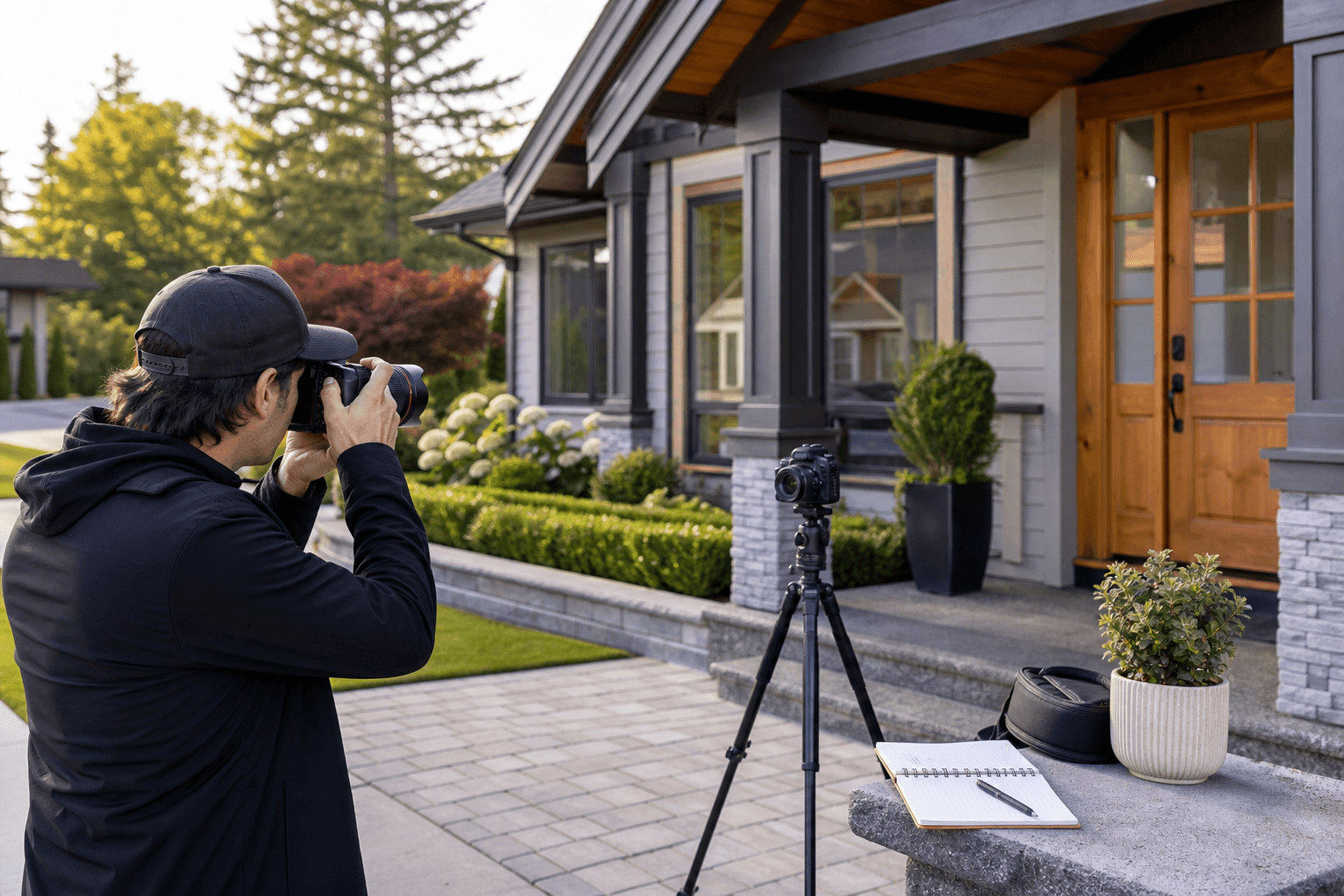
Coordinating media for several Abbotsford listings is easier when you treat the work as one production system rather than a series of unrelated bookings. The key is to create one shared intake and shoot plan, while keeping each property's access details, deliverables, priorities, and launch deadline distinct.
A reliable workflow moves from intake and deliverable selection to access confirmation, property preparation, route planning, capture, delivery, and final review. Silver Valley Studios states that photos, vertical and cinematic video, aerial coverage, and floorplans can be coordinated during one visit, which can reduce repeated preparation when the scope is planned properly.
Quick summary

- Collect every property's address, square footage, access instructions, occupancy details, deliverables, priorities, and deadline in one tracker.
- Choose media according to each listing's selling points and publishing channels, rather than giving every property an identical package.
- Do not finalize the route until every property has confirmed access, preparation status, and any required permissions.
- Capture essential stills, video, aerials, and measurements in a coordinated visit where the property and scope allow.
- Track delivery by property and asset type, then check every file before publishing.
1. Build one shared intake for every property
Start with one document, CRM record, or booking workflow that contains every listing in the project. A shared intake prevents important information from being scattered across text messages, email threads, and separate booking notes.
For each property, record the address, MLS number if available, square footage, listing contact, seller or tenant contact, occupancy status, access method, preferred communication window, shoot window, launch deadline, and delivery method. Add the requested services, priority features, staging notes, pet instructions, and any restrictions on image or video use.
For a repeatable schedule, use a real estate media workflow that captures access details, deliverables, permissions, priorities, and deadlines before the first shoot. Send the address and square footage early so the media team can recommend an appropriate setup.
2. Match deliverables to each listing's launch plan

Not every property needs the same mix of media. Begin with the channels where each listing will appear and the information buyers need to understand quickly.
- Core listing coverage: Professional still photography for the MLS gallery, listing page, and supporting marketing.
- Layout-led coverage: A 2D floorplan when room relationships, unusual flow, or overall structure needs clearer explanation.
- Movement and story: A property video tour or cinematic video when the experience of moving through the home matters.
- Social-first coverage: Vertical video when the agent or team needs short-form content for social channels.
- Site context: Drone photography or videography when the lot, surroundings, access, outdoor space, or development context is an important selling point.
Define the exact deliverables beside each address. One listing may need stills and a floorplan, while another may also need video and aerial coverage. This keeps the workflow consistent without forcing identical shot lists onto properties with different strengths.
Use a property coordination table
A simple table makes conflicts visible before shoot day. Keep one row per property and update it as access, preparation, and delivery information is confirmed.
| Property | Access and occupancy | Required assets | Priorities and constraints | Deadline |
|---|---|---|---|---|
| Listing name or address | Window, lockbox, occupied or vacant | Photos, video, drone, floorplan, vertical video | Hero exterior, key room, staging notes, permissions | Launch date and preferred handoff |
| Listing name or address | Window, lockbox, occupied or vacant | Photos, video, drone, floorplan, vertical video | Hero exterior, key room, staging notes, permissions | Launch date and preferred handoff |
This table is especially useful when several properties share a launch week. It gives the agent, seller, photographer, and editor one reference point for decisions that could otherwise be missed between stops.
3. Confirm access, permissions, and property-specific constraints
Before finalizing the route, confirm how the crew will enter each property and who is responsible for access. Record lockbox details, key arrangements, meet-at-entry instructions, alarm information, occupancy, pets, and any seller or tenant restrictions.
Also confirm whether the requested media is permitted and whether the listing team has specific requirements for drone coverage, floorplans, staging, or commercial use. Identify the person who can approve a small change on site, such as moving an item, opening blinds, or repositioning a vehicle.
Stop point: Do not treat a property as ready for scheduling until it has a usable access plan, a confirmed shoot window, and a contact who can resolve problems. One missing lockbox code or occupied-room restriction can disrupt the sequence for every later stop.
4. Prepare every property with the same baseline standard
Give sellers and occupants a preparation checklist that applies across the project. Clear counters and visible surfaces, set blinds consistently, remove vehicles from the driveway when they are not part of the property's story, and keep bins out of frame. Resolve obvious staging issues before the crew arrives.
Use the same baseline for every listing, then add property-specific instructions. An acreage may need attention to outdoor access and usable land, while a compact home may need furniture edited to show circulation. A property with a strong view may require a clear sightline from the relevant room.
Silver Valley Studios says it provides a preparation checklist before each shoot. Share the completed status in the coordination table so the crew knows which properties are ready and which need follow-up.
5. Sequence the shoot around access and priorities
Build the route from confirmed access windows, preparation readiness, occupancy, travel between properties, light-sensitive features, and launch deadlines. Avoid assuming that a fixed number of properties can fit into one day. The right sequence depends on the individual homes, requested assets, travel, and conditions on site.
Place properties with firm access windows into the schedule first. Then consider which homes are fully prepared, which require occupants to leave, and which have features that are best captured at a particular time. Keep enough flexibility to address a delayed entry or an unfinished preparation task without losing the project's essential assets.
When several Abbotsford listings share a launch week, multi-stop coverage helps coordinate photos, video, floorplans, and drone assets so they arrive together. Confirm the proposed order with the media team before communicating a final schedule to sellers.
Stop point: Resolve overlapping access windows, incomplete preparation, missing permissions, and conflicting deadlines before shoot day. A route that works only if every property is perfectly ready is not a dependable route.
6. Capture each property's complete asset set in one visit
Where the property and scope allow, coordinate photography, video, aerial coverage, and measurements during one appointment. This means the home is prepared once and the resulting assets can share a consistent visual treatment.
Start with the essential still images and the property's must-have views. Then capture the planned video and vertical clips, complete aerial work when included, and take the measurements needed for the floorplan. The exact order may change because of weather, occupancy, lighting, property size, or access conditions.
One visit does not mean one generic shot list. It means the production team has all required outputs in view before leaving. Identify the minimum publishable set for each listing so a late change or unexpected restriction does not cause an important feature to be overlooked.
Create a short priority list for each listing
Give the crew a short list of the features that make each property worth stopping for. Include the hero exterior, strongest interior feature, unusual layout, outdoor context, view, finish, amenity, or detail that should not be missed.
For aerial work, decide what the viewer needs to understand before choosing the composition. It may be the lot, access, outdoor space, views, or surrounding setting. Drone photography should add information rather than repeat a ground-level frame.
Keep the priority list concise. Three to five specific items are more useful than a long collection of vague preferences, particularly when several listings are being coordinated under one production plan.
7. Coordinate staggered delivery with one launch tracker
Plan delivery by asset type rather than assuming every file will arrive at the same time. Silver Valley Studios states that HDR photos are delivered the same day, floorplans the next day, and video within 48 hours. Treat these as planning references and confirm project-specific timing, especially when several properties are included.
Track each listing's photos, floorplan, video, aerial files, vertical edits, approval status, and publishing destination. Mark which assets are received, which need review, and which are still outstanding. This makes it easier to publish one property without accidentally using a file from another address.
When deadlines are close, identify the first required asset for each listing. The MLS image set may be the immediate priority, while video, social clips, or print-ready material can follow according to the launch plan. Confirm the preferred file formats and naming convention before production begins.
8. Review every delivery before publishing
Complete a property-by-property quality check before uploading anything. Confirm that the file names and folders match the correct address, the still set covers the agreed rooms and features, the video belongs to the right listing, and the floorplan matches the property.
- Correct property and consistent file naming.
- Complete MLS-ready image set and required high-resolution files.
- Video files in the agreed format and orientation.
- Drone assets included only where requested and approved.
- Floorplan aligned with the correct property and scope.
- Vertical crops or social-first clips present where requested.
- Priority features captured and no important access limitation left unresolved.
Only after this review should the files be handed to the listing team, seller, brokerage, or social media coordinator. A shared launch tracker creates a clear handoff and reduces the risk of mixing assets across several homes.
Multi-property shoot checklist
Copy this checklist into your CRM or shared project document:
- Intake: Record every address, square footage, contact, occupancy, access method, and launch deadline.
- Scope: Select photos, property video tours, vertical video, drone coverage, and 2D floorplans for each property.
- Permissions: Confirm access, permitted uses, staging instructions, pets, occupants, and aerial requirements.
- Preparation: Clear surfaces, align blinds, remove distracting vehicles, hide bins, and complete property-specific staging.
- Route: Sequence stops around access windows, readiness, travel, light-sensitive features, and deadlines.
- Shoot day: Share the hero feature and must-capture priorities for every listing.
- Delivery: Confirm expected timing for photos, floorplans, video, aerials, and social assets.
- Review: Match every file to its property and check the complete asset set before publishing.
Frequently asked questions
Can photography, video, drone coverage, and floorplans be completed during one property visit?
They can be coordinated during one visit when the property, access, conditions, and selected scope allow. Photography, video, aerial work, and measurements should be included in the pre-shoot plan so the property is prepared once and no required asset is forgotten.
Should every Abbotsford listing in a multi-property booking include drone coverage?
No. Choose drone photography or videography when aerial context helps explain the lot, access, outdoor space, views, or surrounding setting. A property with limited relevant exterior context may be better served by prioritizing stills, a floorplan, or video.
How should agents plan delivery when several listings launch in the same week?
Use one launch tracker with a separate row for each property and separate fields for photos, floorplans, video, aerials, vertical edits, approvals, and publishing destinations. Confirm project-specific timing in advance. The stated same-day photo, next-day floorplan, and within-48-hours video references should not be treated as an automatic identical schedule for every multi-property project.
What information should an agent provide before booking media for multiple properties?
Provide each address and square footage, the preferred shoot window, access details, occupancy, contact information, requested deliverables, property priorities, staging notes, permissions, and launch deadline. This gives the media team enough context to recommend a suitable setup and build a workable route.
Conclusion: turn several listings into one manageable production plan
A strong multi-property shoot workflow standardizes the information, preparation, route planning, file naming, and handoffs. It does not make every listing identical. Each property still needs its own deliverables, access plan, hero features, and deadline.
Begin with one shared intake, confirm every constraint before scheduling, prepare homes to the same baseline, capture the agreed assets in a coordinated visit where practical, and review delivery by address. That structure gives your team a clearer path from booking to publication without relying on last-minute messages or assumptions.
To discuss coordinated photography, property video tours, drone coverage, 2D floorplans, and social-first media for multiple Abbotsford listings, contact Silver Valley Studios Inc. with the property addresses, square footage, requested assets, and target launch dates.