

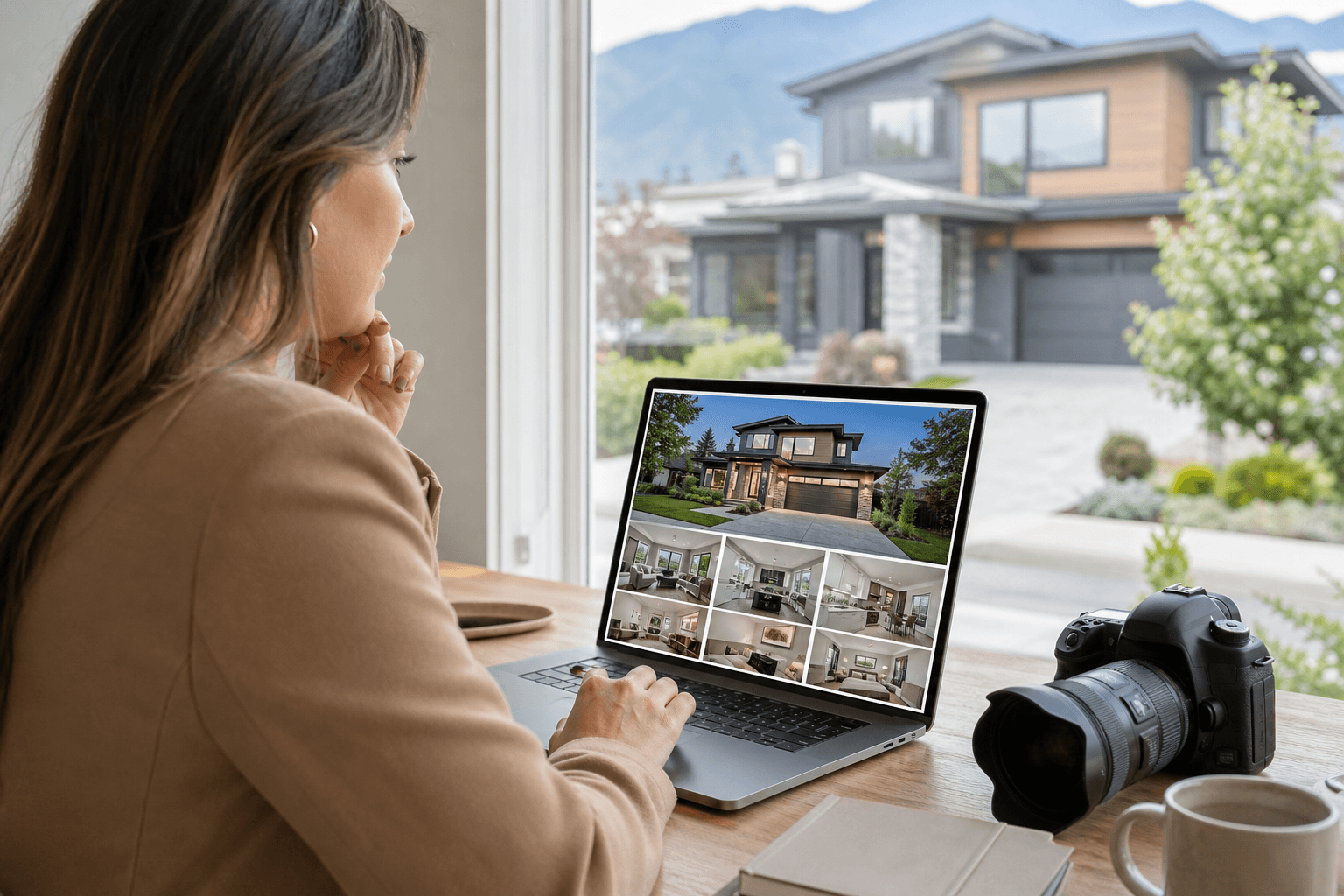
For a Chilliwack listing, “MLS-ready image formatting” should mean more than a folder of attractive photographs. It means accurate, well-edited images prepared for the destination platform, with useful crops, consistent colour, clear organization, and separate versions where MLS, websites, print, and social media require different outputs.
There is no single universal Chilliwack specification covered by the phrase itself. Before uploading, confirm the current requirements of your board, MLS interface, brokerage workflow, or other destination platform. Your photographer should prepare usable files, but the agent remains responsible for checking the final upload requirements and advertising obligations.
Quick summary

- Ask for listing photos that show the property accurately, with natural colour, balanced exposure, and straight vertical lines.
- Request separate exports for MLS, web, print, and social use instead of assuming one file works everywhere.
- Confirm current dimensions, file-size limits, accepted formats, orientation, and other platform rules before uploading.
- Use descriptive filenames and separate folders so your team can identify rooms and channels quickly.
- Confirm the property size, deliverables, access details, deadline, and intended channels before booking the shoot.
What “MLS-ready image formatting” actually means
In practical terms, an MLS-ready photo is a publishable listing image that has been edited and exported for use in a property listing. It should be visually consistent, correctly oriented, appropriately cropped, and free from avoidable technical problems such as distracting colour casts, distorted verticals, or excessive compression.
Readiness also includes accuracy. Editing can improve exposure, colour balance, and clarity, but it should not alter the property in a way that could mislead a buyer. An image should not make a room appear materially larger, remove a permanent feature, conceal a defect, or add an amenity that does not exist.
The term also covers the handoff. A complete delivery may include listing-resolution images, web-optimized files, print-friendly exports, social crops, branded or unbranded versions, and a logical folder structure. The exact technical settings still need to be checked against the destination platform rather than guessed from the phrase “MLS-ready.”
The practical checklist for MLS-ready listing photos

Accurate colour and balanced exposure
Interior photos should show believable wall colours, flooring, cabinetry, and natural light. HDR blending can help balance bright windows with darker interiors, but the result should remain natural rather than overly bright, crunchy, or artificially saturated.
Review a few representative files at full size. Look for clipped windows, crushed shadows, unusual colour shifts between rooms, and lighting that makes the property feel different from the in-person experience.
Straight verticals and corrected distortion
Door frames, walls, cabinets, and other architectural lines should generally appear straight. Wide-angle lenses can make rooms feel distorted when they are not corrected, so ask whether lens correction and vertical alignment are included in the editing workflow.
Useful composition and cropping
A well-formatted image should communicate the room quickly without cutting off important features. The photographer should consider the likely crop used by the listing platform while preserving enough space around key architectural elements.
Do not judge the set only by the hero image. Check kitchens, bathrooms, bedrooms, exterior views, storage areas, special features, and transitions between spaces. A polished first image cannot compensate for missing or confusing coverage elsewhere in the listing.
Restrained retouching
Removing temporary distractions can improve presentation. Examples may include small movable items, minor reflections, or temporary clutter where the edit does not change the property’s character. Permanent features and material conditions should remain represented honestly.
Which image files should you request?
Different channels place different demands on an image. Ask your photographer to explain which export set is intended for each use, rather than downloading one large file and resizing it repeatedly.
| Use | What the files should support | What to confirm |
|---|---|---|
| MLS or listing platform | Clear property presentation, correct orientation, and the platform’s upload requirements | Current dimensions, file-size limit, accepted file type, ordering, and any board or brokerage rules |
| Website | Fast loading while retaining enough detail for a gallery or feature image | Web-optimized exports, image quality, naming, and whether a separate hero crop is supplied |
| Sharp images suitable for feature sheets, brochures, or other printed materials | Print resolution, preferred colour handling, and whether the selected images have enough detail | |
| Social media | Mobile-friendly crops for posts, stories, reels, or vertical placements | Portrait and landscape versions, safe areas for text, and whether video stills or short clips are included |
Silver Valley Studios states that its listing media can be delivered pre-formatted for MLS, social media, and print. Its real estate workflow includes HDR photos, 2D floorplans, vertical and cinematic video, and aerial media, allowing an agent to scope the channels needed before the shoot.
File naming and handoff details that reduce upload friction
Good organization saves time when several listings, rooms, and channels are involved. Ask for separate folders such as MLS, web, print, social, branded, and unbranded where those versions apply.
Descriptive MLS-ready naming can make files easier to identify during upload. A room-first or feature-first approach, such as “kitchen,” “primary-bedroom,” “backyard,” or “front-exterior,” is usually more useful than a camera-generated sequence of numbers. Confirm the naming convention with your brokerage if it has an established workflow.
Keep a copy of the delivered files and any notes about the shoot. If a platform later needs a different export, original or higher-quality files may prevent an unnecessary reshoot. Also confirm whether branded and unbranded versions are supplied when your listing process requires both.
What to verify before uploading a Chilliwack listing
Technical requirements can change by platform, board, brokerage, or software interface. Before publishing, use this verification list:
- Check the current image dimensions and maximum file size.
- Confirm accepted file types and whether the platform handles colour profiles or metadata in a particular way.
- Confirm whether portrait, landscape, or square images are accepted and how the interface crops them.
- Check whether captions, room labels, ordering, or image-count limits apply.
- Review the applicable advertising and representation rules before using digitally altered or enhanced images.
- Confirm whether branded and unbranded assets are needed for different destinations.
- Open the uploaded images in the actual listing preview to check cropping, orientation, and display quality.
Do not rely on a photographer’s general statement that files are “MLS-ready” as a substitute for checking the destination. The phrase describes a preparation goal, not a permanent technical rule.
How a complete listing-media workflow can fit together
Photos answer immediate questions about finishes, light, condition, and presentation. A 2D floorplan adds context by showing room relationships and circulation, while a property video tour communicates flow and atmosphere in a way still images cannot.
Aerial photography or drone media in Chilliwack can add useful context for a suitable property, such as lot scale, outdoor areas, approach, or surrounding setting. It is most helpful when the surroundings are part of the property’s story, not simply because every listing needs an aerial image.
Silver Valley Studios describes a one-appointment workflow in which photos, video, drone coverage, and measurements can be captured during the same visit. Its stated delivery windows are same-day HDR photos, next-day floorplans, and video within 48 hours. Confirm the applicable timeline and deliverables for your specific property when booking.
Prepare the property before the photographer arrives
Preparation affects both image quality and the efficiency of the appointment. Clear visible surfaces, keep blinds consistent throughout the home, move vehicles away from the driveway, and place bins out of frame. These simple steps create fewer distractions and make the image set more consistent.
Also prepare access instructions, lockbox or alarm information, parking details, and a list of priority rooms or features. If a room must be photographed in a particular way, explain that before the shoot rather than assuming it will be discovered on site.
Questions to ask before booking listing media
A short briefing prevents incomplete delivery. Ask the photographer:
- What is included for this property size and property type?
- How many photos, and which rooms or exterior features, are covered?
- Will the package include 2D floorplans, video, vertical cuts, or aerial media?
- Which exports are supplied for MLS, web, print, and social media?
- What is the expected delivery schedule for each type of file?
- What access, preparation, parking, or weather information is required?
- Are branded and unbranded versions available where needed?
- How are revisions, reshoots, licensing, and additional deliverables handled?
Send the address, approximate square footage, property type, intended launch date, and desired channels when requesting a quote. Those details help the provider recommend a suitable combination of photos, video, floorplans, and aerial coverage instead of pricing an incomplete brief.
Agent handoff checklist before publishing
- Confirm every important room, exterior, and feature is represented.
- Check that colours, proportions, views, and permanent features remain accurate.
- Open representative files at full size and review the final edits.
- Confirm the correct folders for MLS, web, print, social, and branded assets.
- Check orientation, cropping, naming, and file type against the destination platform.
- Preview the actual listing after upload, not only the local files.
- Retain the delivered files and notes for future re-exports or marketing use.
Frequently asked questions
Is “MLS-ready image formatting” an official Chilliwack standard?
No. It is practical industry wording for images prepared for listing use. Exact technical requirements should be confirmed with the relevant MLS or platform, along with applicable brokerage and advertising rules.
Should I request different files for MLS, my website, print, and social media?
Yes, where the channels require different crops, quality settings, orientations, or file sizes. One high-quality master may be useful, but channel-specific exports reduce resizing and cropping problems during publishing.
What should I check to make sure listing photos represent the property accurately?
Check colour, proportions, windows, permanent fixtures, views, and the extent of retouching. Editing should improve clarity and presentation without hiding material conditions or adding features that are not present.
Can photos, floorplans, video, and drone media be captured during one Chilliwack booking?
They can be planned as one coordinated appointment when the provider offers the required services and conditions allow. Confirm the scope, access, measurements, aerial requirements, and delivery schedule before booking.
What information should I send a photographer before requesting a listing-media quote?
Provide the property address, approximate size, property type, access details, launch deadline, desired channels, and any priority features. Also identify whether you need photos only or a complete package with floorplans, video, vertical content, or aerials.
Conclusion: request a complete, channel-ready listing package
For Chilliwack realtors, the strongest approach is to treat MLS-ready image formatting as a quality and handoff process, not as a magic file setting. Request accurate edits, useful crops, organized folders, and separate exports for the channels you actually use. Then verify the current upload requirements before publishing.
Silver Valley Studios Inc. serves Chilliwack with real estate photography, HDR photos, 2D floorplans, property video, vertical content, and drone media. To confirm scope and request listing-ready media for your property, contact Silver Valley Studios Inc..