

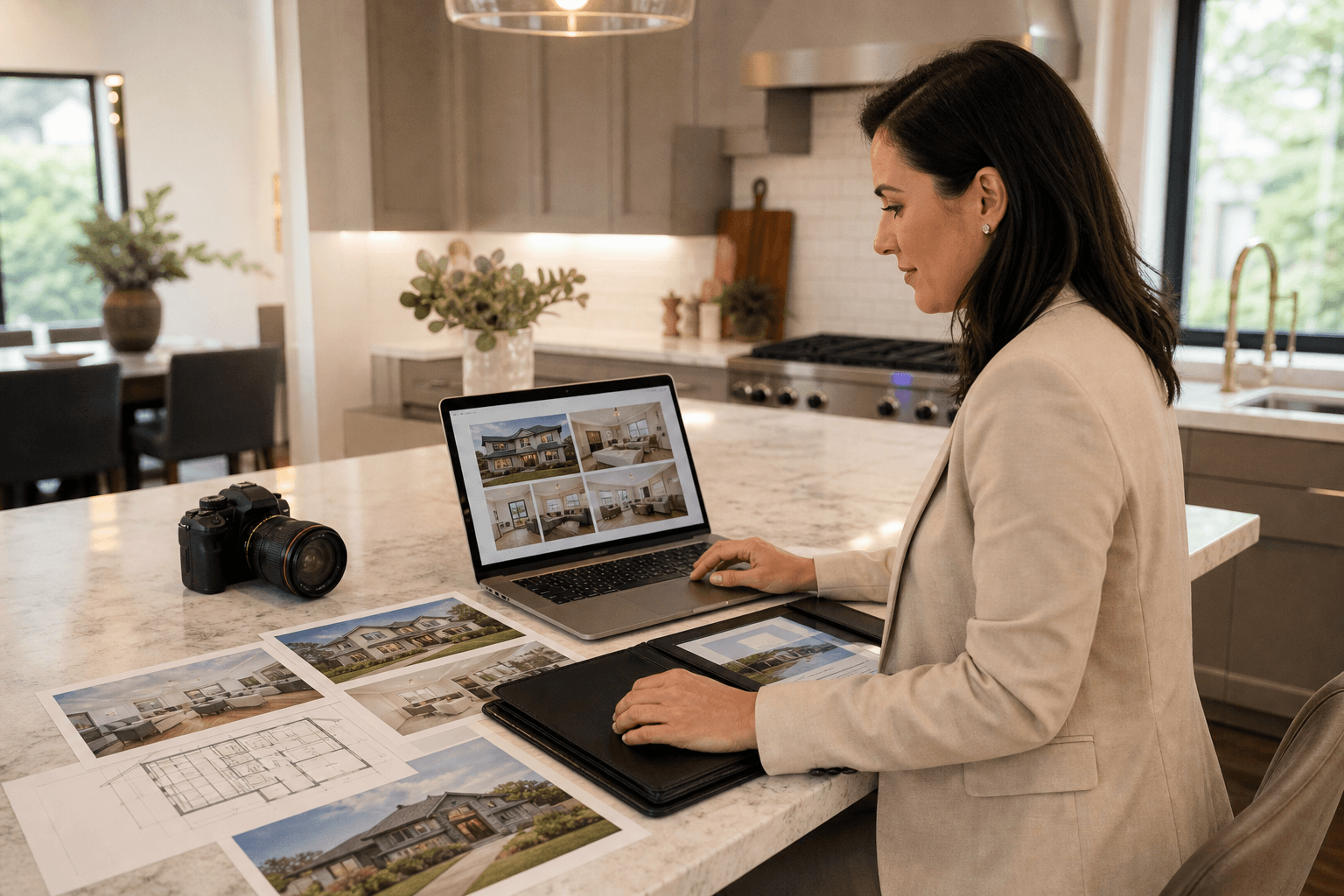
An MLS-ready asset checklist is more than a list of photographs. It is a coordinated plan for preparing the property, capturing accurate media, selecting useful deliverables, formatting files for each channel, and approving everything before publication. Always confirm the current technical requirements of your MLS or board separately.
For most listings, the package starts with professional photographs and may expand to property video tours, 2D floorplans, drone photography, drone videography, and social media content. The goal is not to order every possible asset. It is to choose deliverables that support the property, audience, and intended publishing channels.
Quick summary

- Define the address, access details, deadlines, permitted uses, and priority features before booking.
- Prepare rooms, pets, vehicles, blinds, bins, parking, keys, and access instructions.
- Use accurate HDR photos as the foundation, then select video, floorplans, and drone media based on the property.
- Request separate, clearly named files for MLS, web, social media, and print.
- Review every file against the current property before publication.
1. Define the listing brief before booking
Record the property address, MLS details, occupancy status, access instructions, preferred shoot window, delivery deadline, permitted uses, and features that must appear in the final package. Identify the three most important selling points, such as a renovated kitchen, large backyard, distinctive view, suite, or complex layout.
The brief should also identify the channels that matter. A basic MLS launch may need a strong photo set and floorplan. A broader campaign may require a cinematic property video tour, vertical video for social media, aerial coverage, or print-ready images. For broader planning, use this real estate media checklist.
Before confirming the appointment, decide who provides access, answers questions on site, approves final files, and owns the publication deadline. These details prevent avoidable delays.
2. Prepare the property and control access

Clear unnecessary items from countertops, floors, shelves, and entryways. Set blinds and curtains consistently, hide cords and personal documents, remove bins from view, and move vehicles from the driveway where possible.
Prepare every space that may be photographed, including bedrooms, bathrooms, balconies, patios, garages, storage areas, and shared amenities. Tell the provider in advance if a room is locked or unavailable. Secure pets, confirm parking and lockbox instructions, and provide alarm or gate codes.
One designated contact is usually preferable to several people giving conflicting directions. Staging should make the property coherent without hiding material features or misrepresenting its current condition. Before the shoot, pair this checklist with a detailed listing-photo plan for access, room preparation, image accuracy, and final approval.
3. Select the core photography package
Professional listing photography should explain the property clearly from the exterior through the interior sequence. Core coverage commonly includes the front exterior, entry, living area, kitchen, dining space, primary bedroom and bathroom, secondary rooms, amenities, backyard, and features that affect a buyer’s understanding.
Ask how the images will handle mixed lighting, window views, straight vertical lines, colour balance, and room scale. HDR photos can blend exposures for balanced highlights and shadows, but editing should remain believable. Avoid edits that materially change finishes, views, room size, or permanent features.
Detail or lifestyle images can add context when they highlight architecture, outdoor living, built-in storage, views, or other meaningful features. They should support, not replace, essential room coverage.
Confirm whether delivery includes MLS-optimised JPGs, high-resolution masters, social crops, or other versions. The real estate photography guide covers HDR blending, composition, MLS export sets, social crops, and complementary 2D floorplans.
4. Choose video formats for the intended channel
Video is not one single deliverable. Choose the format according to how viewers will use it and what the property needs to communicate.
| Format | Useful for | Choose it when |
|---|---|---|
| Cinematic walkthrough | MLS, property pages, and longer-form presentation | Layout, finishes, and movement through the home need a polished narrative. |
| Agent-led or narrated tour | Explaining renovations, features, or unusual layouts | A guided explanation adds clarity that images cannot provide. |
| Vertical video | Instagram, TikTok, and social-first placements | You need mobile-oriented clips with a clear opening feature. |
| Drone video | Exterior context and broader presentation | The lot, setting, architecture, or landscape is genuinely relevant and conditions allow. |
Confirm orientation, duration, captions, music, narration, branding, and revisions before production. A horizontal property video and vertical social clip are different editorial products, even when they use footage from one appointment.
5. Decide whether floorplans and drone media add useful context
A 2D floorplan is particularly useful for split-level homes, additions, suites, multi-storey layouts, large properties, or listings where room flow is difficult to understand from photographs. Confirm which areas will be measured, whether inaccessible rooms are excluded, the delivery format, and whether branded and unbranded versions are needed.
A floorplan represents the measured layout. It does not replace verification of dimensions or property details through the appropriate professional and listing documentation.
Drone photography or drone videography can add context for large lots, views, distinctive architecture, waterfront or rural settings, and developments where the relationship between buildings and surroundings matters. Confirm permissions, airspace considerations, weather, wind, launch conditions, privacy, and site restrictions early.
If aerial coverage is not possible, plan a ground-based exterior sequence or elevated viewpoint that communicates the setting without implying that aerial footage was captured.
6. Organize exports for MLS, web, social media, and print
A completed shoot can still create problems if files are not organised for their destinations. Request a delivery structure that separates listing images, high-resolution masters, video versions, social crops, floorplans, and branded or unbranded files.
| Channel | Useful assets | Delivery considerations |
|---|---|---|
| MLS gallery | Accurate listing photos and a floorplan where useful | Confirm current board specifications, image fields, and file limits. |
| Property website | Full image set, horizontal video, and floorplan | Use web-ready files that retain clarity without unnecessary loading problems. |
| Social media | Vertical video, portrait or square crops, and selected images | Request platform-appropriate orientation and clear filenames. |
| High-resolution photographs and floorplans | Keep masters separate from compressed web or MLS versions. |
Use filenames that identify the property and content, such as a room or feature name, rather than camera-generated numbers. Confirm captions, thumbnails, download access, and delivery method. A documented media delivery workflow can help align intake, exports, naming, and handoffs.
Do not assume that a file accepted in one channel is suitable everywhere else. Dimensions, compression, orientation, and file-size rules can differ.
7. Complete a final accuracy and publication check
Compare the delivered package with the original brief. Confirm that every promised asset arrived, including photos, video cuts, floorplans, drone files, branded versions, and unbranded versions.
Review images against the current property. Look for altered rooms, misleading views, missing spaces, incorrect labels, or edits that make a feature materially different. Check that the room order makes sense and that the opening image represents the listing appropriately.
Play each video from beginning to end. Check orientation, sound, captions, branding, spelling, transitions, image quality, and accurate representation. Open floorplan files and inspect labels, orientation, legibility, and unavailable areas.
Test download links and representative files on the devices used for listing work. Assign one person final approval and record requested corrections.
Concise pre-shoot checklist for agents and sellers
- Brief: Confirm the address, MLS information, priority features, channels, permissions, and deadline.
- Property: Declutter rooms, prepare surfaces, set blinds, remove bins and vehicles, and secure pets.
- Access: Provide keys, codes, parking details, alarm instructions, occupancy information, and a contact person.
- Production: Confirm photos, video formats, floorplans, drone feasibility, must-shoot features, and weather considerations.
- Delivery: Agree on file types, orientations, branded or unbranded versions, naming, revisions, and approval.
Questions to ask before confirming a media provider
Ask exactly what each package includes. Confirm photo scope, video style and orientation, floorplan coverage, drone planning, delivery formats, turnaround expectations, revision process, usage permissions, and whether one appointment can cover the requested media.
Ask how the provider handles inaccessible rooms, poor weather, drone restrictions, measurement limitations, and reshoots. You should also know who supplies preparation instructions, how final approval works, and whether files are separated for MLS, web, social, and print.
For seller-facing preparation ideas, this home seller checklist resource can complement your internal process.
Frequently asked questions
Does every real estate listing need video as well as photography?
No. Photography is the foundation for most listings. Video is an optional decision based on the property, audience, budget, and channels. Choose it when it adds information or presentation value that still images cannot provide.
When is a 2D floorplan worth adding?
Consider one when the layout is complex, the home has multiple levels or suites, the property is large, or room relationships are difficult to understand from photographs.
Can one shoot produce assets for MLS, a property website, and social media?
Yes, if the channels and deliverables are planned before the appointment. The final files still need separate exports and review for each destination.
What should an agent request in the final delivery folder?
Request agreed MLS-ready photographs, high-resolution masters where needed, horizontal and vertical video, floorplans, drone media if booked, social crops, thumbnails, and branded or unbranded versions. Ask for clear filenames and confirmation of final files.
What if drone photography is not possible?
Ask why and decide whether another viewpoint can communicate the property. Weather, airspace, permissions, privacy, and site conditions may prevent aerial work. A well-planned ground-level exterior sequence can still provide useful context.
Approve the package before the listing goes live
A strong MLS-ready asset checklist connects seven decisions: define the brief, prepare the property, capture core photography, choose video intentionally, add floorplans or drone media where useful, organise channel-specific exports, and complete a final accuracy check.
Use the checklist before booking and repeat the review after delivery. This gives the agent, seller, and media provider a shared standard for what is ready to publish.
Silver Valley Studios Inc. provides HDR photos, cinematic 4K and vertical video, 2D floorplans, property video tours, and drone coverage across Greater Vancouver and Vancouver Island. To discuss the right listing setup, visit Silver Valley Studios Inc..