

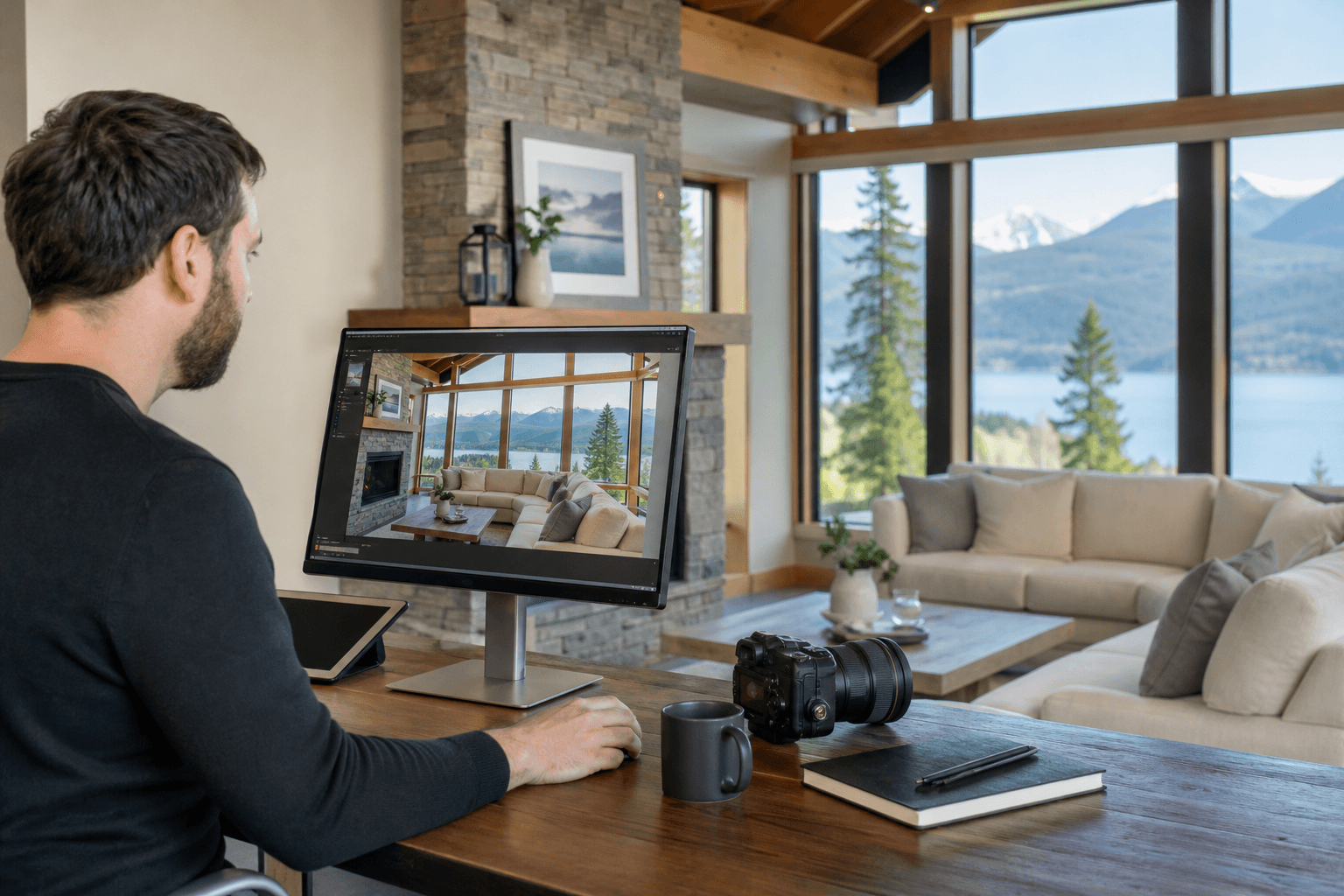
Effective image retouching for listings should make a property easier to understand, not make it appear different from what a buyer or tenant will find on site. The process usually moves from careful preparation and file selection through HDR blending, colour balancing, perspective correction, restrained cleanup, export, and a final accuracy check.
For realtors and property marketers, the important decision is not whether to edit listing photos. It is whether the workflow improves clarity and consistency while preserving an honest representation of the rooms, finishes, views, and property condition.
Quick summary

- Prepare the property and brief before the shoot. Editing cannot replace decluttering, access planning, or accurate property information.
- Use HDR blending and exposure correction to make interiors and windows readable without creating halos, false colours, or an artificial look.
- Correct perspective, colour, and temporary distractions carefully. Do not change room dimensions, permanent features, views, or finishes.
- Confirm that the final files are consistent and ready for MLS, social media, and print, with clear usage and delivery expectations.
- A coordinated appointment can combine photos, video, drone media, and measurements when the listing genuinely benefits from each format.
What a Listing Image Retouching Workflow Should Achieve
A good real estate photo editing workflow has four jobs: show the property clearly, maintain a consistent look across the set, preserve useful detail, and support fast publication. The finished images should help someone understand the layout, light, materials, and important features without relying on exaggerated effects.
Accuracy matters in every property category. The Province of British Columbia advises landlords to use clear photos of all rooms and available facilities, and cautions that furniture in an unfurnished rental can create the wrong impression. That same principle is useful for listing photography more broadly: the image should clarify what is present rather than create an expectation the property cannot meet. British Columbia’s guidance on clear rental listing photos provides helpful context for this standard.
Retouching is therefore different from concealment. It can improve exposure, correct colour, straighten lines, and remove a temporary distraction. It should not hide a permanent defect, alter the size of a room, replace a view, or change a material in a way that affects a buyer’s understanding.
The Workflow at a Glance

| Stage | Purpose | Main risk | Expected output |
|---|---|---|---|
| Preparation | Make the space ready and define the brief | Unclear priorities or avoidable distractions | A practical shot plan and prepared property |
| Capture | Record interiors, exteriors, details, and features | Missing rooms or weak source files | A complete set of usable images |
| File selection | Choose the clearest and most representative frames | Including duplicates or misleading angles | A balanced editing queue |
| HDR and exposure | Balance bright windows with darker interiors | Halos, flat contrast, or unnatural light | Natural-looking tonal detail |
| Colour correction | Make whites, finishes, and rooms look consistent | Colour casts or changed finishes | Accurate, consistent colour |
| Perspective and detail | Straighten architecture and reduce temporary distractions | Distorted proportions or excessive cleanup | Clear, credible property images |
| Export and review | Prepare files for their intended platforms | Wrong crop, naming, or usage assumptions | Publish-ready deliverables |
Before the Shoot: Prepare the Property and the Brief
Image quality starts before the camera arrives. Remove unnecessary personal items, tidy surfaces, open or close blinds consistently, replace burnt-out bulbs, and decide which features deserve priority. If a room is unfinished, occupied, furnished, or unavailable, tell the photographer rather than expecting post-production to solve the issue.
Access also affects the workflow. Confirm how the photographer will enter, whether an occupant or property manager must be present, where vehicles can park, and whether exterior areas, garages, outbuildings, or shared spaces are included. Share the property address, approximate size, listing type, launch date, and any important features that should not be missed.
A useful pre-shoot checklist includes:
- Property address, approximate square footage, and property type.
- Rooms, amenities, exterior areas, and views that must be photographed.
- Access instructions, alarm details, occupancy information, and parking guidance.
- Required deliverables, such as HDR photos, a vertical video, a cinematic tour, a 2D floorplan, or aerial coverage.
- Where the files will be published, including MLS, social media, a website, brochures, or print advertising.
- Any editing boundaries, such as preserving an unfinished area, visible renovation work, or a particular view.
Preparation is also an accuracy safeguard. If a property is advertised as unfurnished, for example, the photos should not suggest that furniture remains when it does not. Clear preparation and a clear brief reduce the chance of an attractive image creating the wrong expectation.
Capture and File Selection: Start With the Right Source Images
Retouching cannot fully rescue an incomplete or poorly planned capture. The photographer first needs a useful range of source images that shows the property’s main living areas, circulation, exterior, important features, and any details relevant to the listing’s story.
File selection then removes near-duplicates, awkward moments, blocked views, and frames with distracting movement. The strongest set is not necessarily the largest set. It should give viewers a clear progression through the property while avoiding repeated angles that add little information.
Selection should also consider consistency. A bright, wide living-room image may look out of place beside a dark kitchen frame or a heavily stylized exterior. Choosing a coherent base set makes the later editing stages more controlled and gives the final gallery a more professional rhythm.
HDR Blending and Exposure Balancing
Interior spaces often contain a wide range of brightness. Windows may be much brighter than a hallway, kitchen, or living room, so a single exposure may lose either interior detail or the outside view. HDR blending combines exposure information to create a more balanced result.
The objective is not to make every corner equally bright. Natural light should still look natural, and windows should retain believable detail. Excessive HDR processing can produce glowing edges, muddy shadows, exaggerated textures, strange colours, and a flat image with no sense of depth.
Silver Valley Studios describes its real estate photography approach as using natural colour, window detail, and HDR blending for listing-ready media. Its HDR photos and listing-ready media information shows how photography can be coordinated with video, floorplans, and aerial coverage rather than treated as an isolated deliverable.
Review the result at normal viewing size, not only while zoomed in. If the first impression is that the room looks processed rather than photographed, the blend likely needs to be restrained.
Colour, Perspective, and Detail Corrections
Colour and exposure
Colour correction should make the set feel consistent while keeping finishes believable. White balance can reduce a strong yellow cast from indoor bulbs or a blue cast from daylight, but it should not turn warm wood, painted walls, or flooring into a different colour.
Exposure adjustments should follow the room and the property’s actual atmosphere. A bright image can still have dimensional shadows, while a darker room should not be presented as sun-filled if that is not how it appears.
Perspective and lens corrections
Vertical correction helps walls, cabinets, door frames, and windows look structurally stable. Lens correction can reduce unwanted curvature or stretching near the edges. These adjustments improve comprehension, but they must stop short of changing the apparent width, height, or proportions of a room.
Detail cleanup
Small, temporary distractions may be removed when doing so does not change the property. Examples can include a stray cable, a rubbish bin brought into the frame during the shoot, or a minor temporary mark. Permanent features, construction conditions, stains, damage, fixtures, and neighbouring structures require a more cautious approach and may need to remain visible or be disclosed separately.
Helpful Corrections Versus Misleading Alterations
| Helpful correction | Misleading alteration |
|---|---|
| Correcting a mild indoor colour cast so walls and finishes look natural | Changing a wall, countertop, floor, or cabinet colour |
| Straightening vertical lines and reducing lens distortion | Widening a narrow room or changing its proportions |
| Balancing an interior exposure so a real window view remains readable | Inventing a landscape, view, or level of daylight that was not present |
| Removing a temporary object accidentally left in the frame | Removing a permanent fixture, defect, neighbouring building, or structural feature |
| Maintaining consistent brightness and colour across the gallery | Making one room appear materially larger, newer, or more finished than it is |
When the correct treatment is uncertain, the safest approach is to ask whether the change would affect a reasonable viewer’s decision to visit, rent, buy, or compare the property. If it could, document the issue and discuss it with the listing representative before publication.
Coordinate Photos, Floorplans, Video, and Drone Media Efficiently
Some listings need only strong still photography. Others benefit from a floorplan, video tour, vertical social clip, or aerial view that explains the property’s layout and setting. The choice should follow the property and marketing plan, not a belief that every listing needs every format.
A coordinated booking can reduce repeated preparation and scheduling. Silver Valley Studios’ published workflow describes capturing photos, video, drone media, and measurements in one appointment, followed by files formatted for MLS, social media, and print. That approach can be useful when an agent wants one visual standard across several deliverables.
There is still a tradeoff. A townhome with little exterior context may gain more from a floorplan than from a full aerial package, while an acreage, hillside property, or home where the setting is central may justify drone coverage. A provider should be able to explain what each format contributes rather than simply adding every available option.
Quality Control, Export, and Delivery
Post-production is not finished when the edits look attractive on a large monitor. The final review should compare the complete set for colour, brightness, vertical lines, window detail, and the accurate appearance of rooms and finishes. Check that no important room or feature has been omitted and that the sequence makes sense to someone viewing the listing remotely.
Then check the delivery details: file names, crops, resolution, intended platforms, usage rights, and any required print or social versions. The phrase “publish-ready” should mean the agent does not need to resize, rename, or repair files before uploading them. The scope of post-production, delivery, licensing, and turnaround should be confirmed before booking, as explained in this guide to post-production, delivery, and licensing.
Silver Valley Studios publishes an example sequence of same-day HDR photo delivery, floorplans the next day, and video within 48 hours. Treat those timings as the stated workflow for the relevant booking, not a universal promise for every property, package, travel requirement, or rush request.
A Practical Brief and Delivery Checklist for Realtors
Before confirming the shoot, ask the media provider:
- Which rooms, exterior areas, and features are included?
- Which deliverables are included, and which are optional?
- How will temporary distractions, unfinished work, or unusual property conditions be handled?
- What is the expected delivery sequence for photos, floorplans, video, and aerial media?
- Will the files be prepared for MLS, social media, print, or all three?
- What usage rights apply to the listing, brokerage, developer, owner, and paid advertising?
- Who reviews the files before publication, and how are factual corrections handled?
After delivery, compare the images with the property rather than reviewing them only for style. Check the room count, views, finishes, fixtures, dimensions implied by the perspective, and any details mentioned in the listing copy. If an image creates a materially different impression, pause publication and request clarification.
For agents who also need a broader creative production workflow, a useful related consideration is scale, colour, and surface readiness in visual mockups. The underlying lesson is similar: a polished asset still needs a final check against the real subject and its intended use.
Frequently Asked Questions
Does real estate photo retouching change the property shown?
Responsible retouching should not change the property’s material facts. It can improve exposure, colour, perspective, and minor temporary distractions, but it should not alter room dimensions, permanent features, finishes, defects, or views. When a change could affect a viewer’s decision, it needs careful review rather than automatic removal.
Does every listing need HDR photo editing?
No. HDR editing can be useful when a scene contains bright windows and darker interiors, but the level of blending should match the property and the available source files. Some scenes may need only straightforward exposure and colour correction. The desired result is natural detail and consistency, not an obviously processed appearance.
What should a realtor include in an image retouching brief?
Include the address, property size, access information, launch deadline, priority features, required rooms, intended platforms, deliverables, usage needs, and any known conditions that must remain visible. State whether the listing is furnished, occupied, under renovation, or being marketed for rent. A clear brief helps the photographer plan capture and gives the editor a reliable boundary for retouching.
Conclusion: Use Retouching to Clarify, Not Conceal
The strongest image retouching workflow begins before the shoot and ends after a factual review. Prepare the property, select representative source files, use HDR and colour correction carefully, straighten perspective without changing proportions, remove only appropriate temporary distractions, and check every output for accuracy and platform readiness.
When a listing needs more than still photos, decide whether floorplans, video, vertical content, measurements, or drone media answer real buyer questions. A coordinated appointment can simplify preparation and keep the visual standard consistent, but the right package is the one that fits the property and launch plan.
For coordinated real estate media including HDR photos, video, 2D floorplans, aerial coverage, and measurements, contact Silver Valley Studios Inc., based in Maple Ridge and serving Greater Vancouver, the Fraser Valley, and Vancouver Island.