

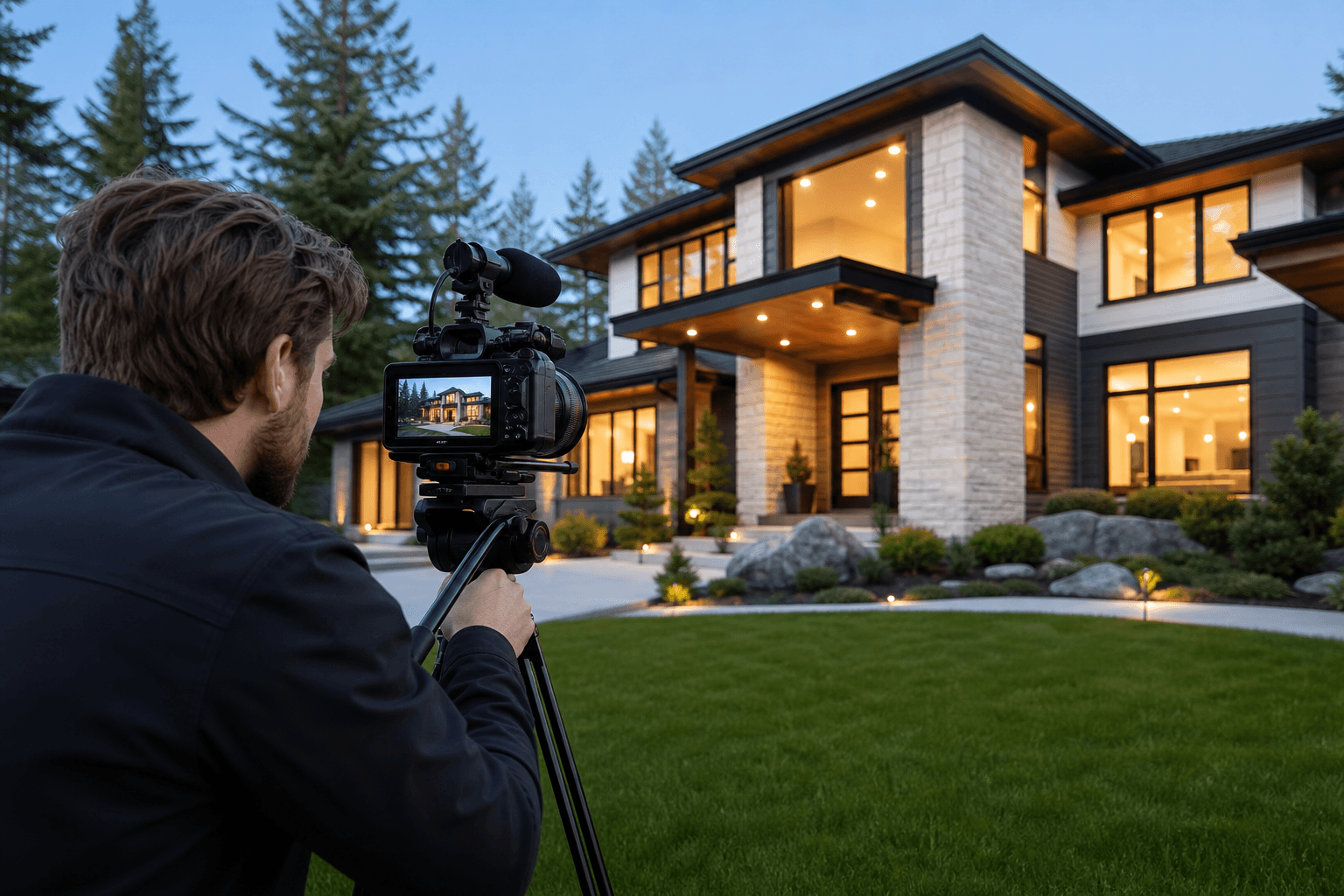
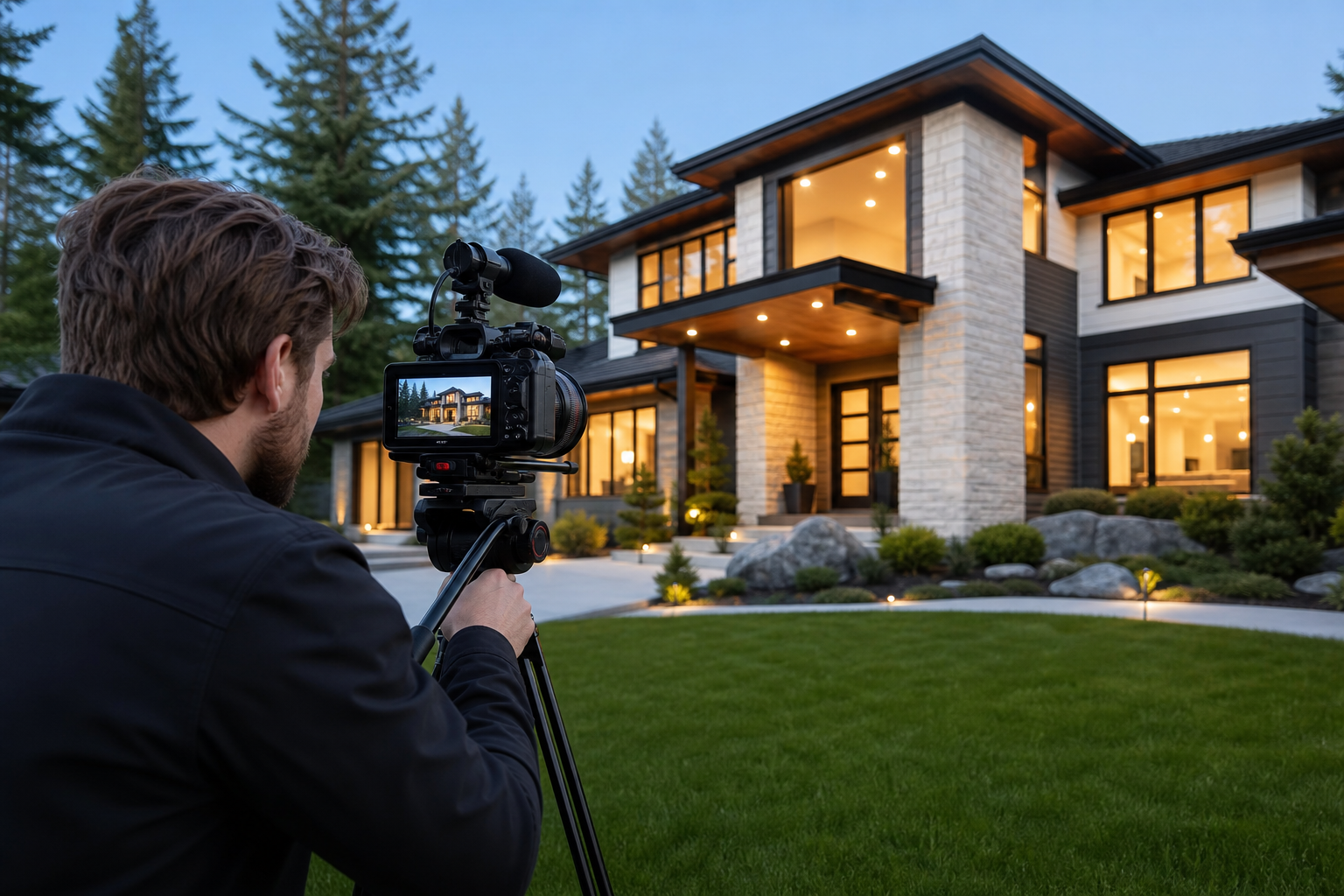
Video is the most direct way to show unbuilt or newly completed value: vision, sightlines, amenity context and lifestyle. This article gives a stage-by-stage workflow from pre-launch through post-close, exact assets to commission, shoot‑day checklists, a Vision Tour script template, drone and permissions reminders, and a distribution plan suited for pre-sales in Metro Vancouver and Vancouver Island.
Plan the narrative and choose your target buyer
Who is the primary buyer and what motivates them
Name one buyer you most want to reach: first‑time buyers, downsizers, young families, or investors. Write a one‑sentence buyer promise that answers their top question, for example: “Move‑in ready townhomes with easy transit access.” That promise becomes the repeated hook across edits, captions and ad creative so every asset points back to the same value proposition.
Key messages and community selling points
List three community messages you must show with visuals: transit links, schools, and nearby recreation or retail. Those messages determine the proportion of aerials, neighbourhood b‑roll and amenity interviews you book. Plan the release cadence so messages line up with sales phases: use context and community films early, model home tours at show‑home stage, and resident stories after occupancy. For planning workflows and partnership models, see practical approaches in the Peachgum and Umedia guides New Construction Community Video and How to Market New Construction.
Partnership roles: builder, marketing lead and media vendor
- Builder: supplies specs, site plans, renderings and approvals for filming.
- Marketing lead: defines messaging, buyer personas, paid budget and lead capture.
- Media vendor: produces assets, manages basic permits, and delivers platform‑ready files on schedule.
Clarify approval steps and a single point of contact for shoot days. A short sign‑off checklist (script, shot list, staging decisions) avoids delays and costly reshoots.
Stage-by-stage video types and what to deliver
Map assets to project phases so every production dollar has a measurable outcome. Specialist resources recommend a short Vision Tour early, immersive model tours during show‑home stage, regular progress updates, and full tours uploaded for discoverability and long‑term SEO PropertyCine.
Pre-launch: vision tour and teaser clips
- Main asset: Vision Tour, 60–90 seconds, scripted to sell the project promise.
- Deliverables: 60s social cut, 30s teaser, 15s story/reel and a still hero image.
- Primary use: paid lead generation, landing page hero and email nurture.
- Decision rule: commission a pro if you need cinematic polish for paid ads; use a lean in‑house edit for basic lead capture.
Model or show home: full model tour and room cutdowns
- Main asset: Full model tour, 2–4 minutes, walk‑through focused on flow and finish quality.
- Deliverables: room‑level 20–40s clips, high‑res stills for MLS, and 2D floorplans where possible.
- Primary use: YouTube full tour, MLS/project page, and broker previews.
- Decision rule: hire a vendor for consistent HDR photos, floorplans and video in one bundle to keep style matched across formats.
Construction: progress updates and milestone reels
Short progress updates maintain trust and urgency. Schedule regular timelapse captures and 15–30s milestone reels after major structural, cladding or amenity completions. Peachgum highlights progress videos for community relations and ongoing engagement New Construction Community Video.
Launch: virtual open house and agent preview clips
- Main asset: Virtual open house—live streamed or recorded. For recorded, produce a 5–10 minute condensed walkthrough for brokers and a 20–40 minute full session for on‑demand viewing.
- Deliverables: RSVP video invite, short social clips for launch day, and broker pack with stills and floorplans.
- Primary use: drive event RSVPs, broker engagement and final push leads.
Post-close: neighbourhood lifestyle and testimonial clips
After occupancy, film resident stories, local business features and lifestyle edits to support resale value and long‑term brand trust. These assets also perform well for future developments and brand positioning.
Prepare the site, stakeholders and permissions before shoot day

Site readiness and staging priorities
- Model home: declutter counters, stage dining and living to show flow, check that lighting and HVAC are quiet for clean audio.
- Active site: define safety zones, appoint a site marshal, and provide clear access instructions and parking for crew vehicles.
- Documentation: share floorplans, spec sheets and any approved renderings or marketing copy with the media team at least one week before the shoot.
Municipal and drone permission reminder
Confirm drone approvals and municipal filming permits early. Some municipalities or strata require separate permits or insurance declarations. If aerial work is critical, start the permit process weeks ahead to avoid schedule slips.
Weather and scheduling in Metro Vancouver and Vancouver Island
Coastal weather can force reshoots for exterior light and aerials. Build a contingency day into the schedule, prioritise exterior and drone work during morning windows when wind is usually lower, and plan interior shoots for rainy afternoons.
Shot lists and script templates you can use today
60–90 second Vision Tour script template
Structure the Vision Tour in three acts: promise, experience and call to action. Use this flexible script as a starting point.
- Opening (0–10s): Single line with the promise and a key visual. Example: “Welcome to , where transit access meets peaceful green space.”
- The build and neighbourhood (10–40s): Aerial or approach shots, quick captions for transit and schools, one voiceover line per image.
- The experience (40–70s): Model home highlights, finishes and amenity shots with on‑screen spec callouts.
- Close (70–90s): Clear CTA: registration link or VIP preview invite with contact details and a final lifestyle shot.
Decide whether to use professional voiceover for polish or an on‑screen agent for authenticity. Keep voiceover concise and repeat the buyer promise in the close. For cinematic direction, see the studio guide Cinematic Video: Make Listings Feel Real.
Model home tour shot list
- Exterior approach and front door sequence
- Wide and medium living area reveals, then detail inserts
- Primary bedroom, ensuite and closet flow
- Kitchen action: island and storage reveals
- Outdoor living, balcony or yard reveal
- On‑screen titles for key specs and finishes
Progress update checklist
- Site overview aerial and wide ground shot
- Timelapse capture of major milestones
- Close‑ups that demonstrate workmanship and materials
- Short interview soundbite with site manager or superintendent
Drone footage: where it moves the needle and what to check
When to prioritise drone on the call sheet
Aerials are high impact when you need to show site context, transit links, water or mountain sightlines, and amenity relationships. Use aerials for early buzz, phase announcements and amenity reveals as part of a community video strategy New Construction Community Video.
Operational checklist
- Confirm permissions and insurance with the builder and municipality early.
- Plan approach shots, reveal pulls and slow overhead passes for 10–20 second hero clips.
- Schedule drone work in lower wind windows, avoid midday glare on coastal scenes, and reserve alternate ground shots in case of flight delays.
Camera moves that read well in listing edits
Use slow reveal pulls away from the building, gentle orbits to show context, and approach shots that land on the amenity. Keep aerial clips short so they can be reused across social edits and the Vision Tour.
Delivery formats, file naming and repurposing for platforms
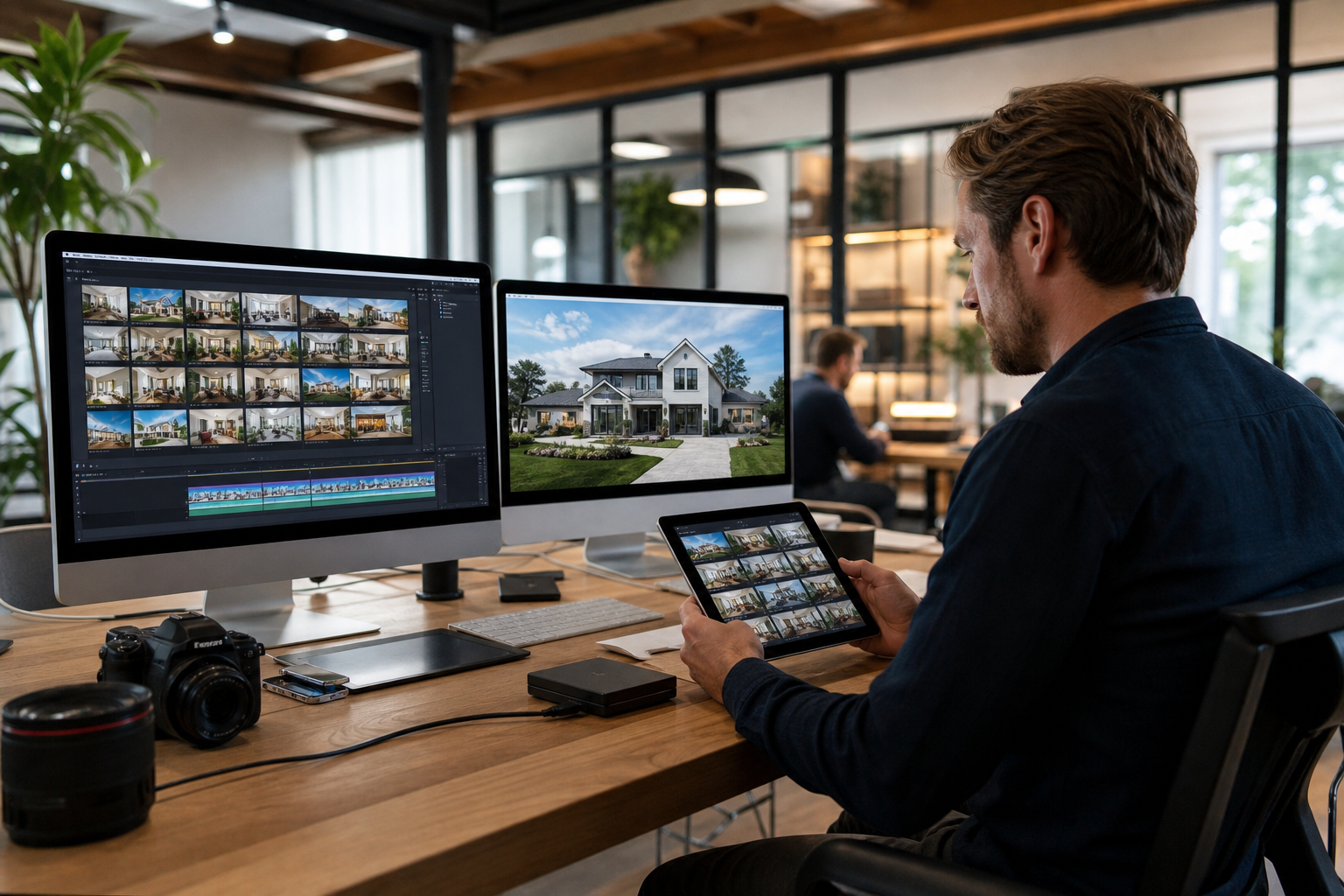
YouTube and project landing page
- Upload full model tours and Vision Tours to YouTube for discoverability and embed on the project landing page.
- Recommended export: H.264 MP4, 1080p or 4K where budget allows, 24–30 fps, target bitrate appropriate to resolution.
- File naming example: ProjectName_VisionTour_1080p_2026.mp4 for archival clarity.
60–90 second Vision Tour for paid social
Export as H.264 1080p, 30 fps, include a separate 5 second CTA card and provide a silent‑viewing version with captions and on‑screen headlines for platforms that default to muted play.
Vertical edits and reels
Deliver 9:16 vertical crops in 1080x1920, 30–60 seconds, with caption burn‑ins or headline cards. Provide both sound‑on and captioned formats to maximise completion rates.
Progress clips for email and HOA channels
Supply 10–20 second MP4s optimised for fast loading, and include short caption templates the client can paste into newsletters.
For repurposing guidance and export examples, see the studio’s cinematic video guidance Cinematic Video: Make Listings Feel Real.
Distribution playbook: organic, paid and broker-focused tactics
Sequence for pre-sales lead capture and nurture
- Publish the Vision Tour on the project landing page and YouTube, optionally gated with a lead form for VIP registration.
- Run paid reach and lead campaigns using the 60s Vision Tour targeted to buyer personas and lookalike audiences.
- Nurture registrants with construction updates, milestone reels and invitation clips for preview events.
Paid ad creative mapping
Use the 60s Vision Tour for cold awareness on Facebook and Instagram, 15s teasers for remarketing, and vertical reels for TikTok testing. Mix immersive tours with short social edits to maximise discovery and direct response, as recommended by AFK Media and PropertyCine AFK Media, PropertyCine.
Broker and VIP preview distribution
Send a concise 90 second broker preview with registration instructions 48–72 hours before the launch event and include high resolution stills and floorplans for broker packs. Track broker RSVPs and follow up with short personalised clips to increase attendance.
Simple KPIs to track per tactic
- Vision Tour: views, watch time and landing page conversions (registrations).
- Paid teasers: click‑through rate, cost per lead and remarketing conversion rate.
- Construction updates: open rate on emails and repeat visits from registrants.
What to expect on shoot day and when to book a bundled media package
Shooting a model home with photos, video, drone and floorplans typically needs a half to a full day depending on property size and complexity. Book bundled packages when you need consistent creative across assets, single‑point accountability for scheduling, and faster combined turnaround. Silver Valley Studios offers end‑to‑end real estate media including HDR photos, cinematic 4K and vertical video, drone and 2D floorplans to keep messaging consistent across channels Silver Valley Studios.
- Typical on‑site time: 3 to 8 hours depending on package and drone work.
- Common deliverables: edited photos, 2D floorplans, full tour, social edits and aerial clips.
- Decision rule for bundling: choose a bundle if you want fewer site visits, matched style across formats, and a single delivery schedule and invoice.
Turnaround expectations should be agreed during booking. Simple social cuts can often be delivered within 48–72 hours; full HDR photo libraries, floorplans and completed full tours commonly take longer depending on edit complexity and revision rounds.
Frequently asked questions
Do I need drone footage for every new build project?
No. Prioritise drone footage when context is a selling point: proximity to water, parks, mountain views, transit, or when the site layout is a differentiator. If the project is in a dense urban block where context is limited, allocate the budget to model interiors or targeted social ads instead.
How far in advance should we start booking video for a pre-sales launch?
Start planning 6 to 8 weeks before launch so you can align messaging, secure permits, lock desirable weather windows and book crew. For timelapse or recurring updates, build those shoots into the initial schedule.
What assets should the builder or agent prepare before the shoot?
Provide a site plan, spec sheet, 2D floorplans, approved renderings, a buyer persona brief and a single contact who can approve staging and provide access on shoot day.
How quickly can deliverables be turned around after a model home or site shoot?
Turnaround depends on scope. Simple social edits can be ready in 48–72 hours, while HDR photo libraries, floorplans and full tours generally take longer. Confirm timelines and revision allowances with your vendor before booking.
Can photos, 2D floorplans and video be bundled and scheduled on the same day?
Yes. Bundling is common and efficient. It reduces site visits and ensures consistent framing and styling. Discuss a clear shot order with the media team so photographers and videographers coordinate efficiently on location.
Ready to discuss a project or get pricing? Contact Silver Valley Studios Inc. to book a consultation and quote: Silver Valley Studios Inc.