

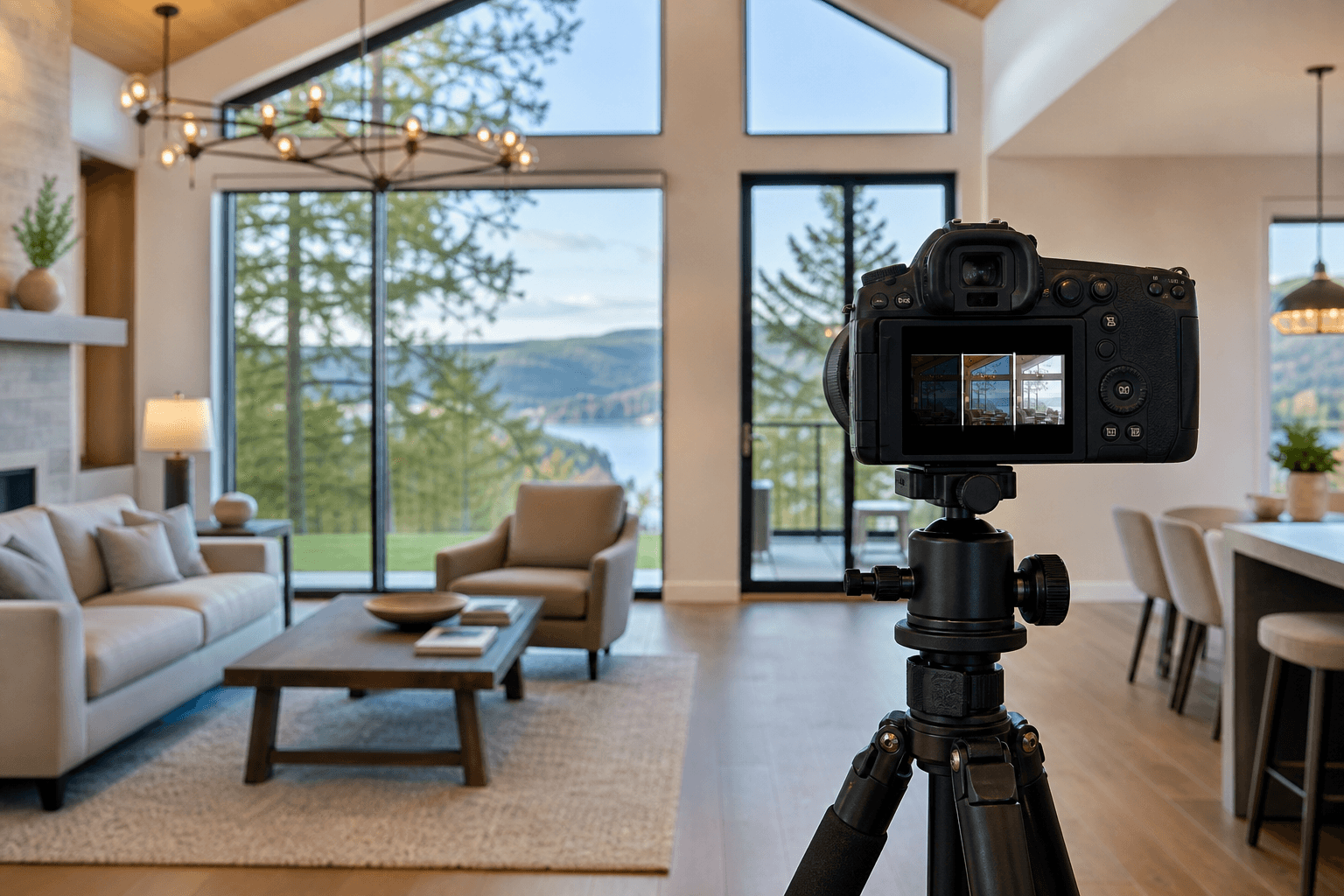
HDR blending is useful when a single exposure cannot show both a bright window view and the darker interior of a room. By combining several exposures of the same composition, exposure blending can recover useful highlight and shadow detail while keeping the property believable. It is not, however, the right answer for every room or lighting condition.
The best HDR result is usually the one viewers do not notice. Before you merge bracketed exposures, decide whether the scene needs HDR, ambient-only photography, or a flash/ambient blend. Then control the capture and editing risks that produce ghosting, halos, muddy shadows, colour casts, and crooked lines.
Quick summary

- Use HDR bracketing when the scene contains more contrast than one exposure can handle.
- Keep the camera, composition, and important subjects stable between frames.
- Blend selectively and preserve believable brightness, colour, window detail, and perspective.
- Choose ambient or flash/ambient blending when movement, reflections, or mixed lighting make HDR unreliable.
- Judge the complete gallery for consistency, not just one impressive portfolio image.
What HDR blending solves, and what it cannot fix
High dynamic range photography combines multiple exposures of the same scene. A darker frame can retain detail outside a bright window, while a brighter frame can reveal information in a shadowed room. The blended image should represent the property more clearly than either frame alone.
The process normally involves exposure bracketing, alignment, merging, and selective corrections. HDR photography is easiest to understand as a way of extending usable exposure information, not as a preset that automatically creates a professional image.
HDR cannot repair poor preparation, an unsuitable composition, major camera movement, inaccurate colour, or a subject that changes position between frames. It also cannot make every part of a room equally bright without risking an artificial appearance. Good preparation and stable capture remain essential.
Choose the capture method before you blend

HDR bracketing is one option within a broader real estate photography workflow. Compare the scene before choosing a technique:
| Method | Useful when | Main strength | Common risk |
|---|---|---|---|
| Ambient-only | Light is relatively even and the room has a simple colour environment | Fast, soft, and natural-looking capture | Colour casts, flat contrast, or lost window detail |
| HDR bracketing | Windows and interiors have a large exposure difference | Balanced highlight and shadow information | Ghosting, halos, and overprocessed tones |
| Flash/ambient blending | Mixed light, dark finishes, or reflective surfaces need more control | Greater control over colour and crispness | More setup and a result that can look disconnected if blended poorly |
There is no universal winner. The choice depends on the room, movement, reflections, contrast, colour control, available time, and intended use. A useful comparison of HDR bracketing and flash/ambient blending should focus on the scene rather than a fixed camera recipe.
8 HDR blending mistakes that make real estate photos look artificial
1. Capturing bracketed exposures with an unstable composition
Every frame in a bracket should show the same composition. If the camera shifts, the merged image may contain doubled edges, softened furniture, or small details that do not line up. Software alignment can help with minor differences, but it cannot reliably correct a significantly changed viewpoint.
Use a stable setup, level the camera, and confirm the framing before capturing the sequence. Avoid touching the camera between exposures. Check vertical lines and the edges of the frame before moving to the next composition.
2. Ignoring movement between frames
People, pets, curtains, tree branches, vehicles, reflections, and even a ceiling fan can change position during a bracket. When those frames are merged, the result may show ghosting, duplicated shapes, or strange transparent edges.
Remove avoidable movement before capture and retake the bracket if something important changes. Selective masking can sometimes use one frame for a moving area, but it requires careful inspection. If movement is constant or unavoidable, an ambient or flash-based approach may produce a cleaner result than forcing HDR.
3. Using an incomplete or poorly exposed bracket
A bracket needs enough information to cover the useful extremes of the scene. If the darkest frame still loses the window view, or the brightest frame leaves important shadows empty, merging cannot recover detail that was never captured.
Bracket counts and exposure intervals should be adapted to the camera, room, and contrast. Three to five frames may be a practical starting point in many interiors, while a less demanding scene may need fewer and a very high-contrast room may need more. Treat these as starting points, not mandatory settings.
Review the histogram and actual image detail rather than relying only on the number of frames. The goal is a usable exposure set, not the largest possible bracket.
4. Treating tone mapping as a finished look
Tone mapping can compress a wide range of brightness into a viewable image, but a technically complete merge is not necessarily a finished photograph. Excessive clarity, local contrast, saturation, or brightness can make walls look gritty, skies look unnatural, and furniture appear cut out.
Start with a restrained blend and make corrections for the property, not for dramatic effect. Natural-looking HDR preserves the visual hierarchy of the room. It does not flatten every shadow or make every surface equally vivid.
5. Creating halos around windows, roofs, and furniture
Halos appear as bright or dark outlines around high-contrast edges. They often result from aggressive local adjustments, imprecise masks, or a merge that treats the boundary between a window and wall inconsistently.
Inspect window frames, rooflines, cabinets, lamps, and furniture edges at both zoomed-in and normal viewing sizes. Use restrained masks and clean selections, then check the image at the size a listing viewer will actually see. Careful hand-blended HDR can preserve window detail without turning edges into obvious effects, but the result still depends on sound capture and editing judgement.
6. Leaving mixed-light colour casts unresolved
Daylight, warm bulbs, fluorescent sources, painted walls, and reflective finishes can all influence colour. A bracket may preserve exposure detail while leaving one part of the room orange, another green, and a window area noticeably cooler.
Correct the colour relationships before judging brightness. Whites should remain believable, and connected rooms should not appear to have been edited under completely different lighting. In a room with difficult mixed light or reflective surfaces, flash/ambient blending may offer more control than HDR alone.
7. Solving one extreme while damaging the other
One common failure is a bright interior with grey, blank windows. The opposite is a dark, muddy room where the window view is preserved but the space no longer feels inviting. Crushed shadows, excessive noise, and flat midtones can be just as distracting as blown highlights.
Balance visibility with realism. A window can be bright, and a shadow can remain slightly darker than the rest of the room. The finished image should communicate the space accurately rather than making every region appear equally exposed.
8. Delivering crooked lines or inconsistent edits
HDR does not automatically correct perspective. Leaning walls, sloping horizons, and inconsistent camera height can make a room feel distorted. Even technically strong blends look less professional when one image in a gallery is noticeably warmer, brighter, or more saturated than the next.
Correct verticals and level horizons without stretching the room into an inaccurate shape. Then compare the complete gallery for brightness, white balance, contrast, and editing style. A listing should feel like one coherent presentation from room to room.
A reliable HDR workflow from preparation to delivery
A dependable process treats HDR as a capture-to-delivery system rather than a one-click effect. A practical HDR real estate workflow includes these stages:
- Prepare the property: Declutter, arrange furniture, check reflective surfaces, and decide which features should lead the composition.
- Plan the frame: Level the camera, check verticals, and confirm that the composition represents the room honestly.
- Capture a stable bracket: Keep the viewpoint fixed and expose far enough to retain important highlights and shadows.
- Organize the files: Keep each exposure group together and separate it from neighbouring rooms or accidental duplicates.
- Align and merge: Use the appropriate merge method, watching for movement and misalignment.
- Mask problem areas: Correct ghosting, reflections, window boundaries, or moving details selectively.
- Correct colour and perspective: Match whites, control colour casts, and correct verticals without distorting the property.
- Export and review: Check the image at listing size, on a larger screen, and beside the other images in the gallery.
Finished-image checklist: is the HDR natural enough?
- Are window views visible without making the interior look grey or dim?
- Do walls, floors, and furnishings have believable colour?
- Are there halos around windows, furniture, rooflines, or bright objects?
- Do moving subjects, reflections, and fine details appear clean rather than doubled?
- Are verticals straight and horizons level?
- Does the image retain natural shadow depth instead of flattening every surface?
- Does the editing match the rest of the listing gallery?
- Does the image still look credible at normal listing size?
When to shoot, blend, or commission the work
For a simple room with even light, ambient-only photography may be efficient and natural. Use HDR when the contrast between interior and exterior detail is the main problem. Consider flash/ambient blending when mixed light, dark finishes, or reflections require more control than a bracket can provide.
If the work is for a property listing, consider how still images fit with the wider media plan. Video tours can communicate movement and atmosphere, 2D floorplans can clarify spatial relationships, and drone coverage can show views, land, or development scale.
Commissioning the work can make sense when you need a consistent gallery, multiple deliverable formats, reliable perspective correction, or a repeatable workflow across several listings. Ask to see complete galleries and ask how the provider handles movement, mixed lighting, window detail, and revisions.
FAQ
How many exposures should be used for HDR blending?
The number depends on scene contrast, camera latitude, and the detail that must be retained. Three to five exposures are common starting points for many interiors, but fewer may suit an evenly lit room and more may help with an unusually contrasty scene.
Can HDR blending work when people or objects move?
It can work if movement is minor and the affected area can be masked cleanly, but movement increases ghosting risk. Remove avoidable movement or retake the bracket when possible. For constant movement or changing reflections, another capture method may be more reliable.
Is HDR better than flash blending for real estate photography?
Neither method is always better. HDR is useful for window and shadow detail when the camera and scene remain stable. Flash/ambient blending can provide greater control in rooms with mixed colour, dark cabinetry, or reflective surfaces.
How can you tell whether a professional HDR photo is well blended?
Look for believable brightness, visible window detail, neutral colour, clean edges, straight lines, and natural shadow depth. There should be no obvious halos, ghosting, crushed blacks, or inconsistent treatment between rooms. Review a complete gallery rather than one polished image.
Choose the technique that preserves the property
HDR blending techniques are most valuable when they solve a genuine exposure problem without becoming the visual subject. Stable brackets, controlled movement, restrained processing, accurate colour, corrected perspective, and gallery-wide review matter more than a dramatic tone-mapping style.
For real estate media combining HDR photos with related listing deliverables, Silver Valley Studios Inc. provides HDR photos, property video, 2D floorplans, and drone coverage for listings and other visual projects.